48
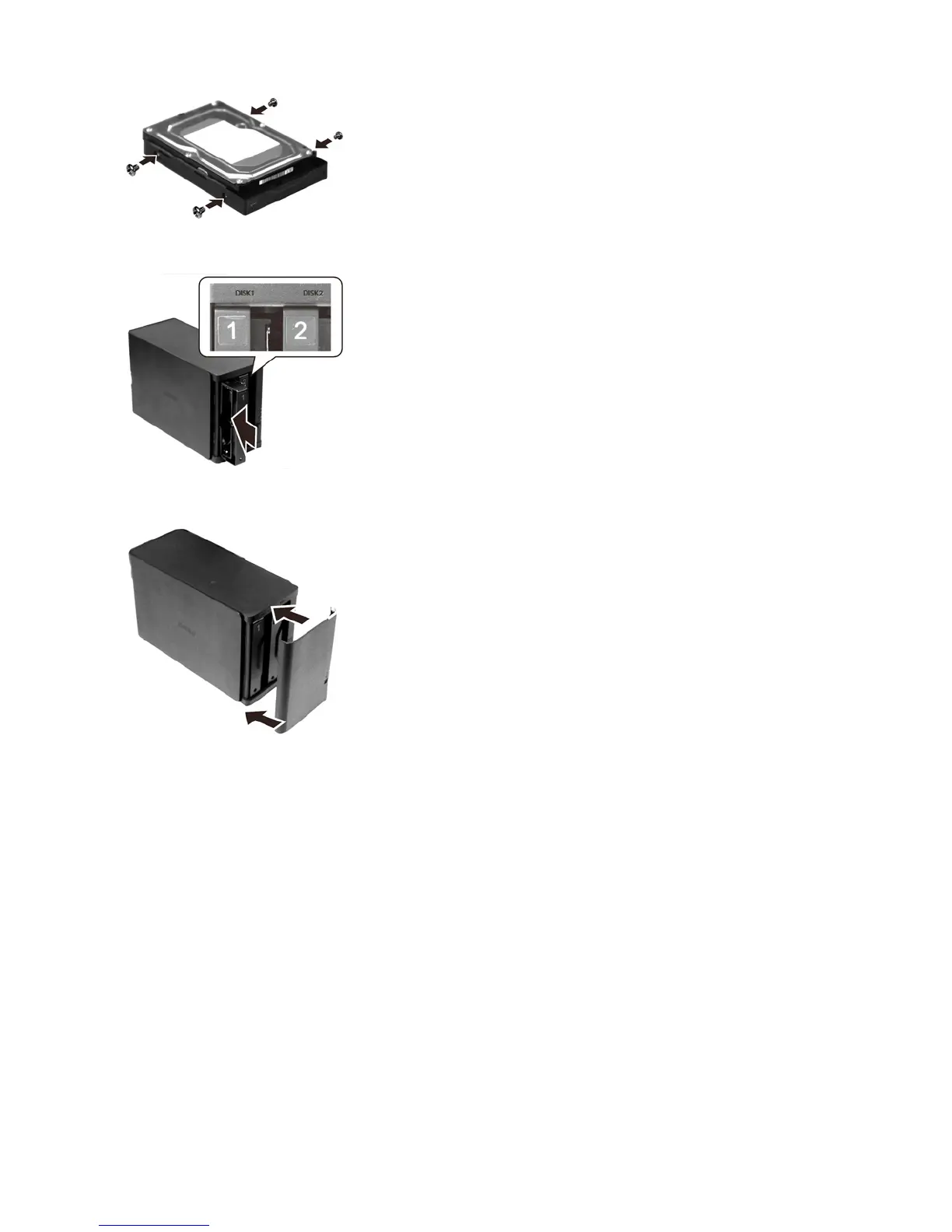
7 Insert the new drive in the empty slot.
8 Close the front panel.
9 Connect all cables, then turn on the LinkStation.
10
For RAID 0
Navigate to Drives - RAID in Advanced Settings. Select the array with the error, then click Delete RAID Array.
Navigate to Drives - Drives. Choose the new drive (the unformatted one) and format the drive. After formatting the
drive, change the RAID mode.
For RAID 1
Navigate to Drives - RAID in Advanced Settings. Select the array with the error, then click Recover RAID Array. Follow
the procedure on the screen to complete the hard drive replacement.
For JBOD
Navigate to Drives - Drives in Advanced Settings. Format the new drive and create a shared folder before use.















 To Next Page