69
Chapter 8 Advanced Features
Email Notification
Your LinkStation can send you email reports daily, or when settings are changed or an error occurs. Notification emails
may be triggered by any of the following events:
• Hard drive status at scheduled time
• RAID error
• Fan error
• Hard drive read error
• Backup job completed
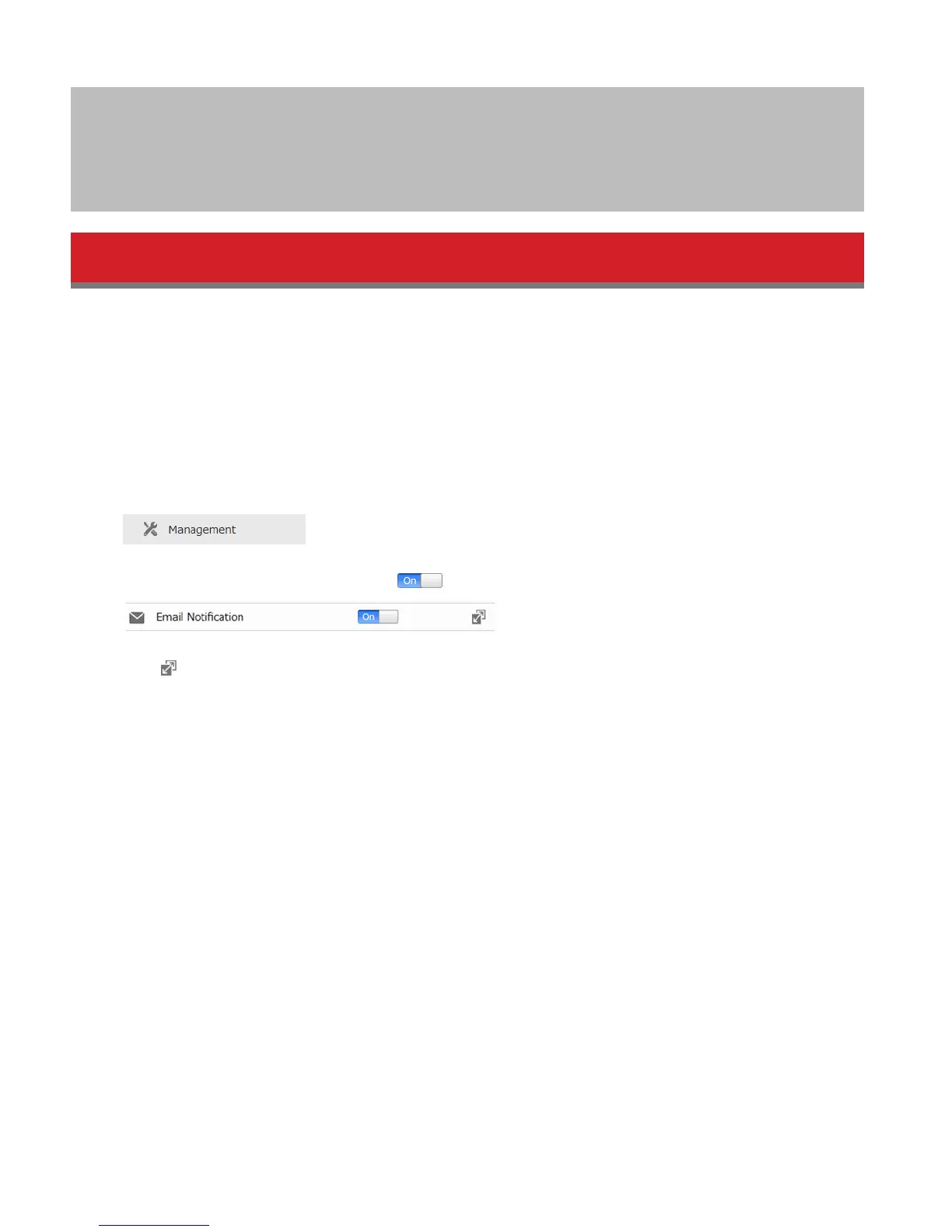
1 In Advanced Settings, click Management.
2 Move the email notification switch to the position to enable email notification.
3 Click to the right of “Email Notification”.
4 Click Edit.
5 Enter your mail server settings and choose what events will trigger notification. Click OK to send a test email.















 To Next Page