10
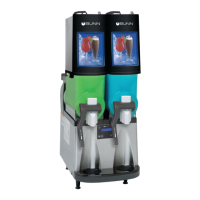
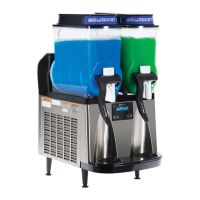
USING THE DISPENSER FOR GRANITA-TYPE PRODUCTS
1. Slide the lid for the selected hopper to the front or back to gain access to the hopper.
2. Place the premixed liquid product in the selected hopper.
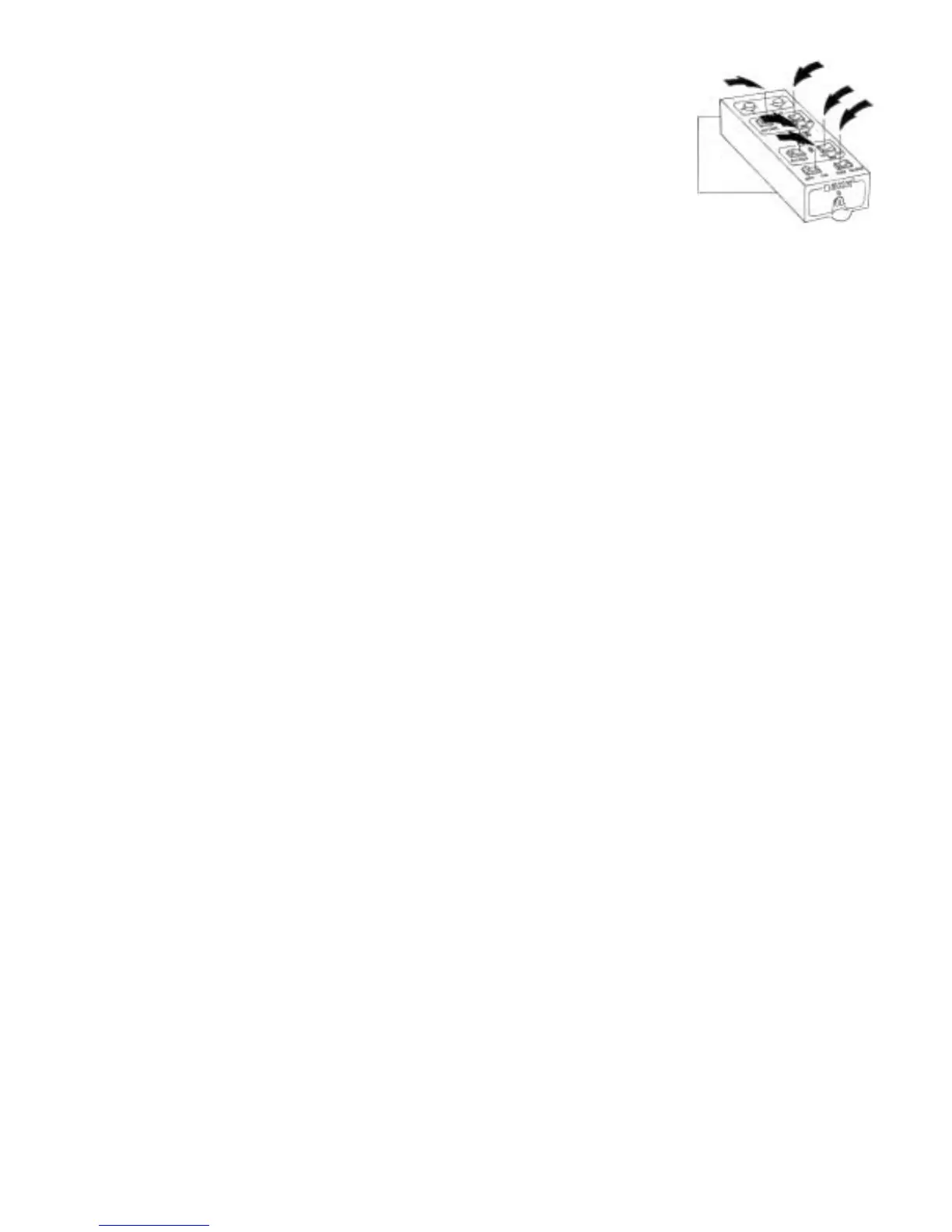
3. Simply press all switches to the center of the control drawer for granita products.
a. Place the POWER OFF/ON switch in the right “ON” position.
b. Place the auger switch for the selected hopper in the right “—” position.
c. Place the DAY/NIGHT switch in the left “DAY” position.
d. Place the ICE/OFF/NO-ICE switch in the left “ICE” position.
4. Wait for the liquid to freeze to the desired consistency.
HINTS – Bunn-O-Matic recommends that the product in the dispenser be thawed each day, usually overnight.
The ice granules get too large and a consistent product is difficult to maintain if left frozen for an extended
period of time. Place the DAY/NIGHT switch in the right “NIGHT” position for a few hours each night. Then
return it to the left “DAY” position when the product has thawed sufficiently. You’ll know it is in the night
position because the hopper lid lights are out.
USING THE DISPENSER FOR COLD LIQUID PRODUCTS
1. Slide the lid for the selected hopper to the front or back to gain access to the hopper.
2. Place the premixed liquid product in the selected hopper.
3. Simply place all switches to the center of the control drawer except the ICE/OFF/NO-ICE switch.
a. Place the POWER OFF/ON switch in the right “ON” position.
b. Place the auger switch for the selected hopper in the right “—” position.
c. Place the DAY/NIGHT switch in the left “DAY” position.
d. Place the ICE/OFF/NO-ICE switch in the right “NO-ICE” position.
4. Wait for the liquid to cool.
27646 022500



 To Next Page