BCR30DAB
24
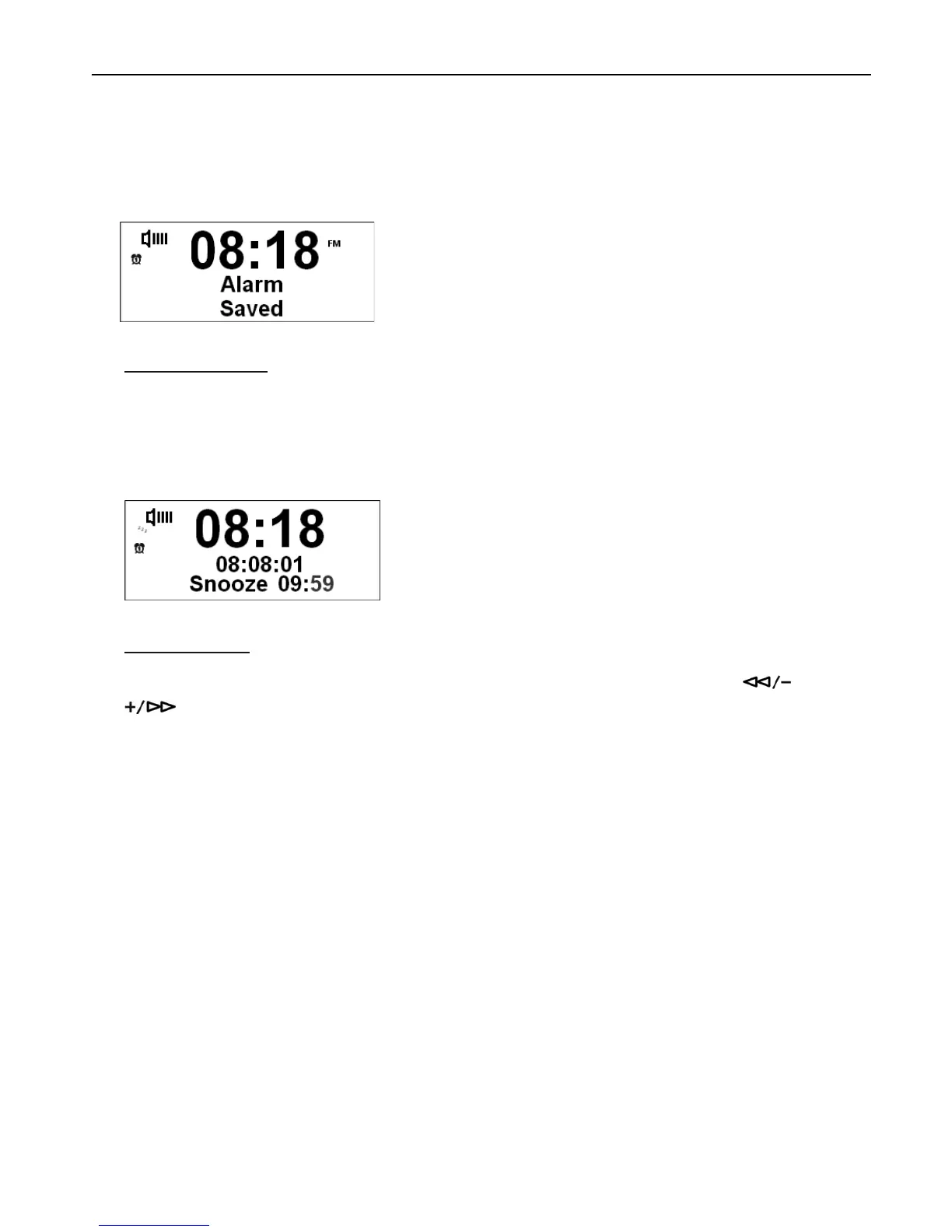
9. Press the SELECT/NAV button to confirm the alarm volume, your alarm is now set and ready. You can also set
Alarm 2 by following the same steps.
To Operate SNOOZE
When the Alarm sounds, press SNOOZE button repeatedly to select snooze period. You can choose between 5,
10, 15 and 30 minutes. The Alarm will can be postponed according to your selection. The radio will start to count
down once you stopped pressing the SNOOZE and the snooze time will be displayed. The Alarm will sound again
after your selected snooze time has elapsed.
To Turn Off Alarm
1. In Standby mode, press ALARM button to show the Alarm ON/OFF status. You can then press or
button to select ON or OFF, then press SELECT/NAV to confirm.
2. Once alarm 1 or 2 is set to ON, the icon will show in display. Once it is set to OFF, the icon will disappear.



 To Next Page