BCR30DAB
23
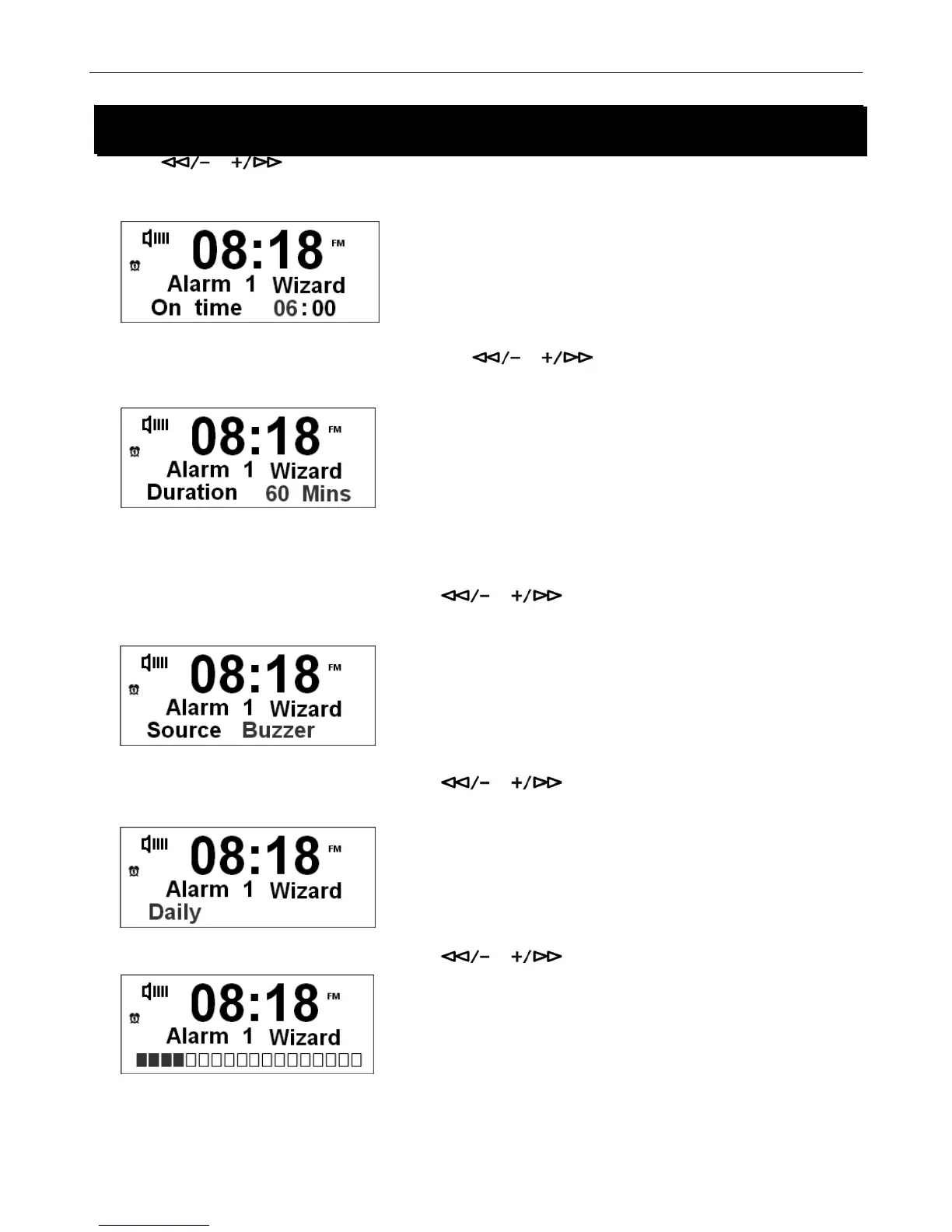
3. Press or to select Alarm option, on or off. Press the SELECT/NAV button to confirm.
4. To set Alarm time, refer to setting clock time, on page 20.
5. Press the SELECT/NAV button to confirm, then press or to set the duration time of the Alarm
sound. You can choose among15, 30, 45, 60 and 90 minutes.
# Note: The Alarm will sound until the select duration time is finished.
6. Press the SELECT/NAV button to confirm. Press or to set the alarm source, you can choose
DAB/FM/Buzzer or last listened (to listen to the last station played).
7. Press the SELECT/NAV button to confirm. Press or to set the frequency of alarm, you can choose
Daily/ Once /weekends/Weekdays.
8. Press the SELECT/NAV button to confirm. Press or to set the alarm volume level.
System Setup
System Setup



 To Next Page