BCR30DAB
22
How to get SW Version
# Note: This function will update your radio software.
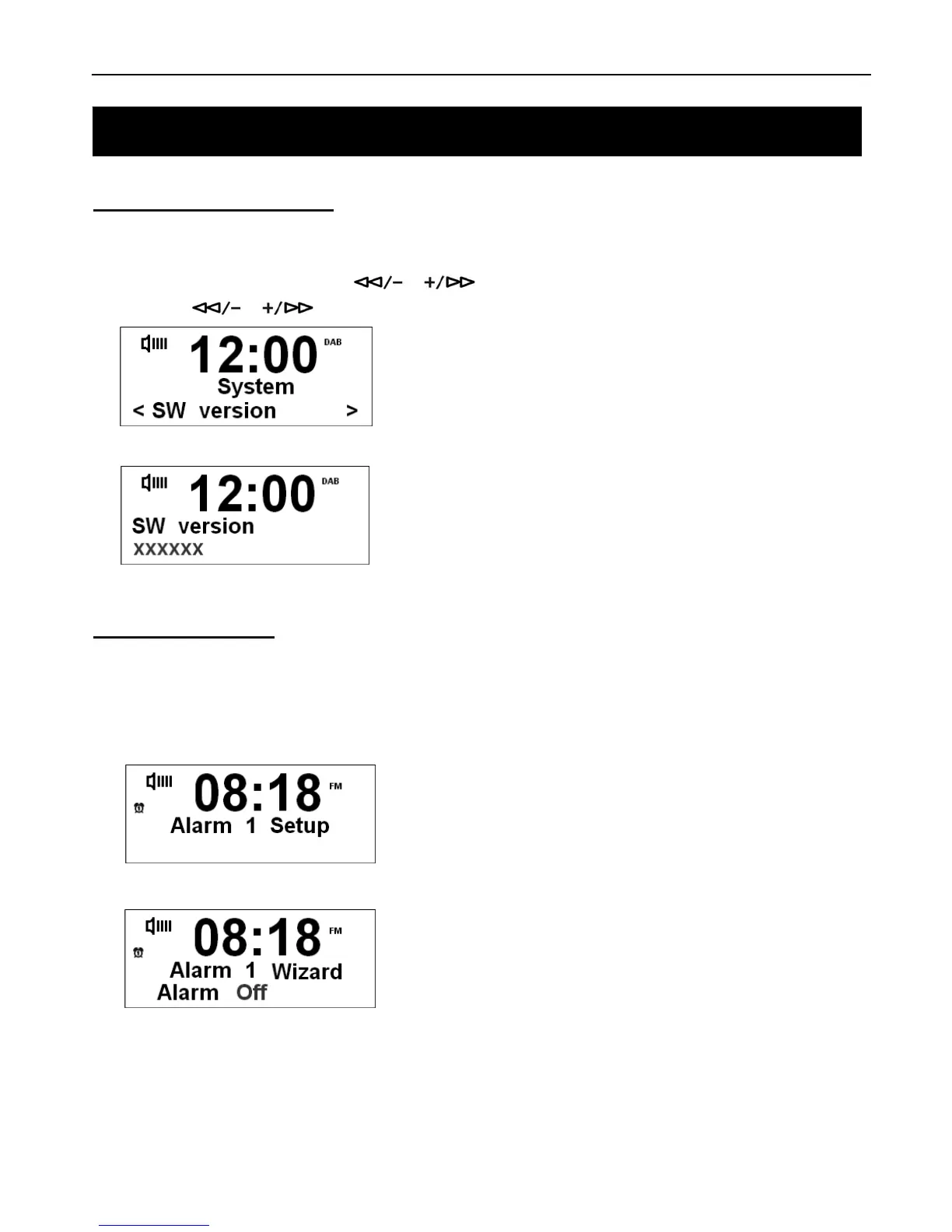
1. Press the MENU button, then press or to select System Menu. Press SELECT/NAV to confirm,
then press
or to select SW version option.
2. Press SELECT/NAV again to confirm.
How to Set Alarm
# Note: Ensure the clock time is correct before you set the Alarm.
1. Press the ALARM button to select setting. The Alarm icon will flash. You can choose Alarm2 by pressing the
ALARM button twice.
2. Press the SELECT/NAV to confirm alarm mode.
# Note: Wizard can guide you step by step to set your alarm successfully.
System Setup



 To Next Page