Page 3
Functions & controls
Please familiarize yourself with the parts and accessories listed below
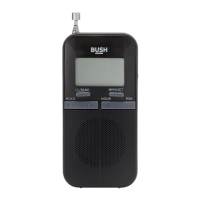
Accessories included
• 1 x CDAB4312R • 1 x Mains charger • 1 x Earphones • 1 x Instruction manual
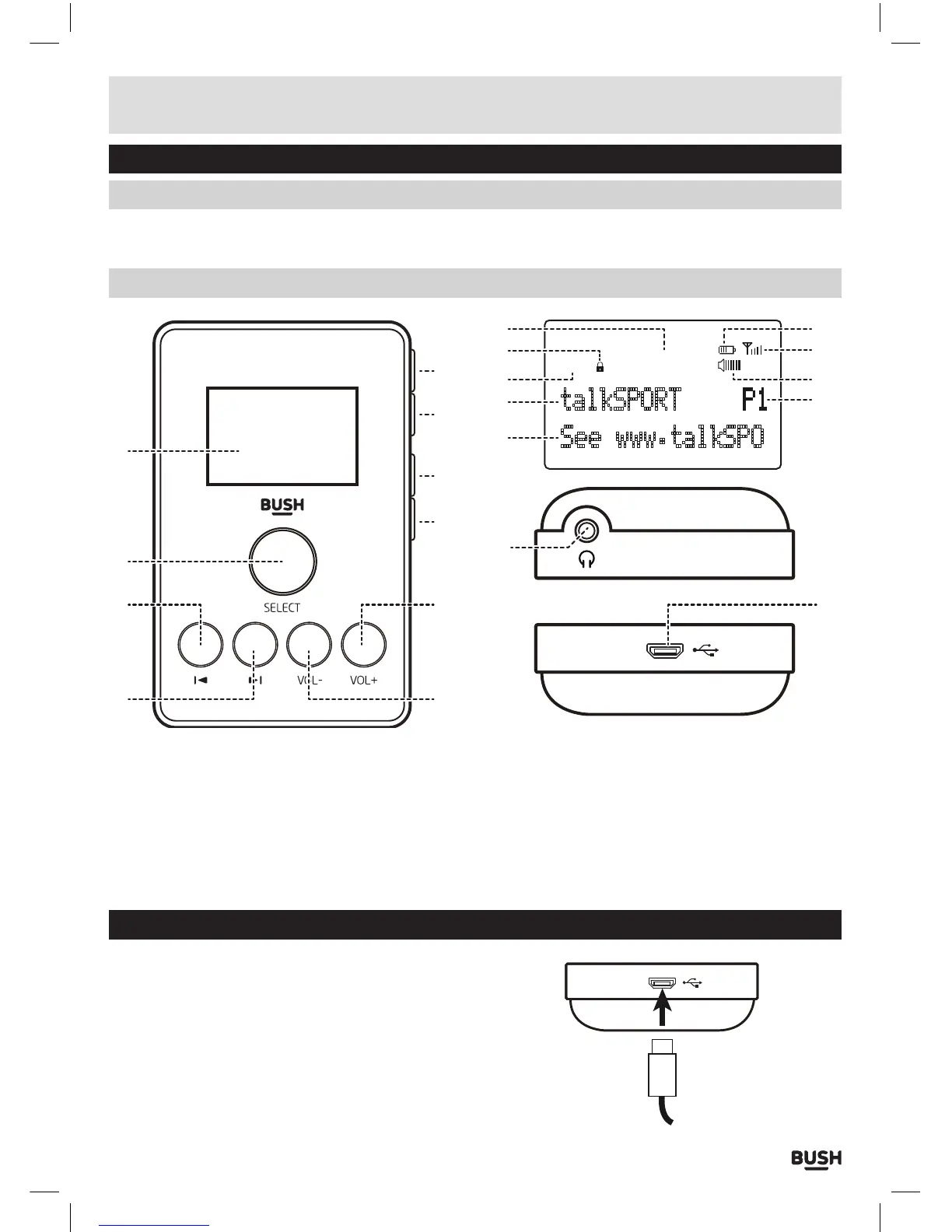
Overview of controls
1: LCD Display
2: SELECT button
3: TUNE DOWN button
4: TUNE UP button
5: VOLUME - button
6: VOLUME + button
7: PRESET button
8: MENU button
9: MODE button
10: POWER ON/OFF button
11: Time
12:. KEY LOCK icon
13: DAB/FM MODE icon
14: STATION info
15: DLS message
16: PRESET location (FM)
17: VOLUME level icon
18: SIGNAL strength
19: BATTERY level
20: EARPHONE output socket
21: MICRO USB charge port
DAB
talkSPORT
08
:
42
See www.talkSPO
11 19
18
17
16
12
13
14
15
20
1
2
3
4
6
21
7
8
9
10
5
Charging the CDAB4312R before use
Before use the unit should be fully charged to prolong
the life time of the internal lithium battery.
1: To charge using the supplied mains adaptor, connect
the micro USB connector cable to the bottom of the
unit (21) (as shown across).
2: Connect the mains adaptor plug to a UK mains wall
socket and switch ON.



 To Next Page