Page 8
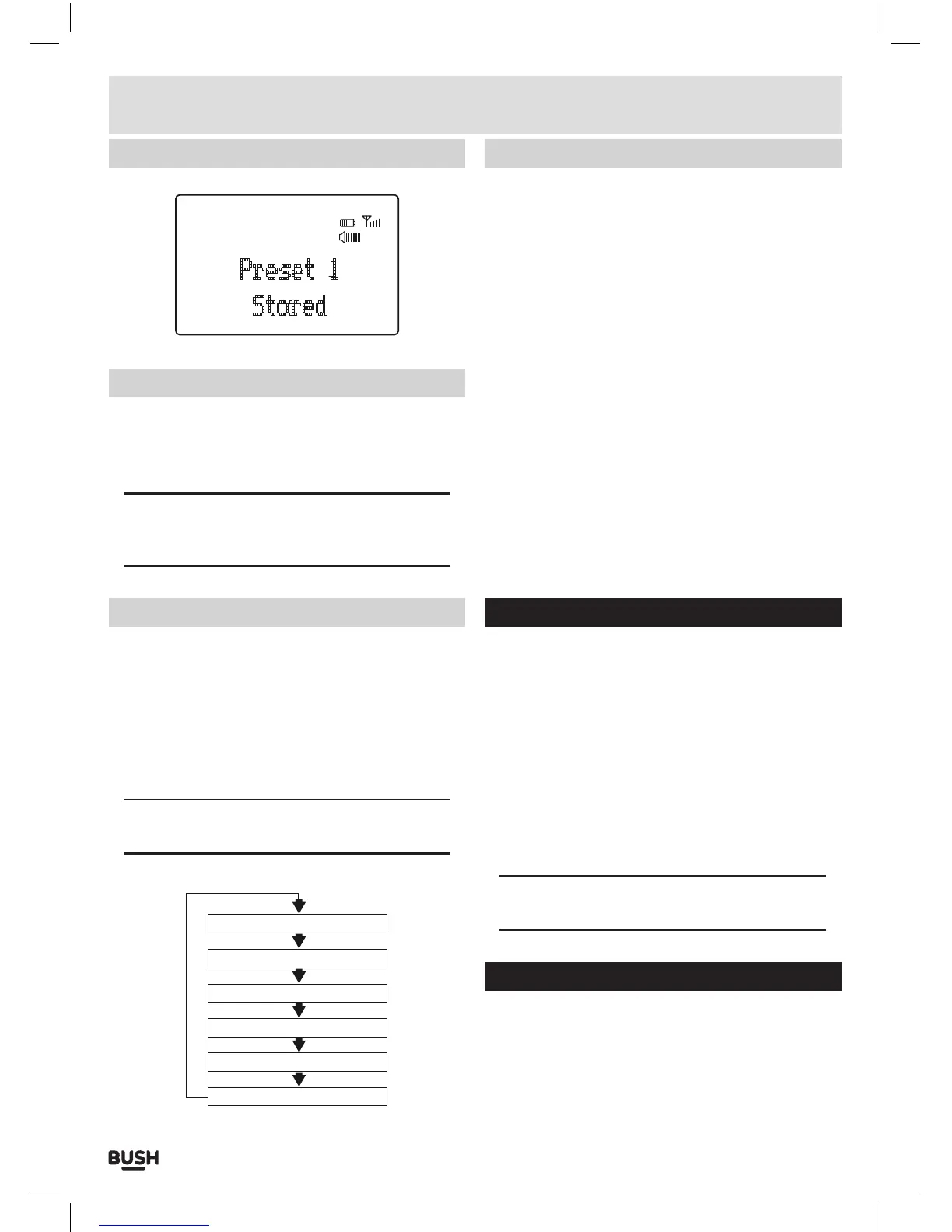
Storing FM station presets (cont)
FM
Preset 1
Stored
08
:
42
Recalling FM station presets
1: You can recall preset stations by pressing the PRESET
button. Then use the TUNE UP (4) or DOWN (3)
buttons to select the desired preset. Once selected
press the SELECT button to activate.
NOTE: If you choose a preset that hasn’t been
allocated a station, then “Preset Empty” will be
displayed.
Display modes
Press the MENU button (8), and the bottom section
of the display will show a sub text menu with various
information about the current station.
Every press of the MENU button changes the
information displayed.
This can be better explained in a diagram showing
the order of sequence.
NOTE: once you reach the last info setting the next
press will return you to the first setting.
Radio Text
Programme Type
Program Name or Frequency
Audio Mode (stereo/mono)
Time
Date
Display modes (cont)
Radio Text
Displays scrolling text broadcast by the station (only if
broadcast).
Program type
This describes the “Style” or “genre” of music that is
being broadcast e.g. “Rock “or “Classical”.
Programme Name
Station name (if broadcast). Frequency of the station if
no name is broadcast.
Audio Mode
Displays stereo or mono depending on the broadcast
being received.
Time
Displays the current time.
Date
Displays the current date.
Factory reset
To reset the radio to the factory settings follow
the next steps.
1: Press and hold the MENU button (8).
2: When the <Station List> (DAB) or <Scan setting> (FM)
appears use the TUNE UP (4) or DOWN (3) buttons
and find <System>, press the SELECT button.
3: Use the TUNE UP (4) or DOWN (3) buttons to find the
<Factory Reset> option and press SELECT.
4: Use the TUNE UP (4) or DOWN (3) buttons once more
to select <Yes> and press SELECT.
5: The unit will re-start with default settings.
NOTE: performing a factory reset will remove any
presets stored in both DAB and FM.
Backlight timer
To set the backlight time out duration.
1: Press and hold the MENU button (8).
2: When the <Station List> (DAB) or <Scan setting> (FM)
appears use the TUNE UP (4) or DOWN (3) buttons
and find <System>, press the SELECT button.
User instructions



 To Next Page