Page 11
User instructions
Troubleshooting
In the unlikely event of difficulties with your appliance please follow the trouble shooting guide below.
If the problem persists, contact the retailer if the machine is still under guarantee.
Customer helpline: 0870 600 3030
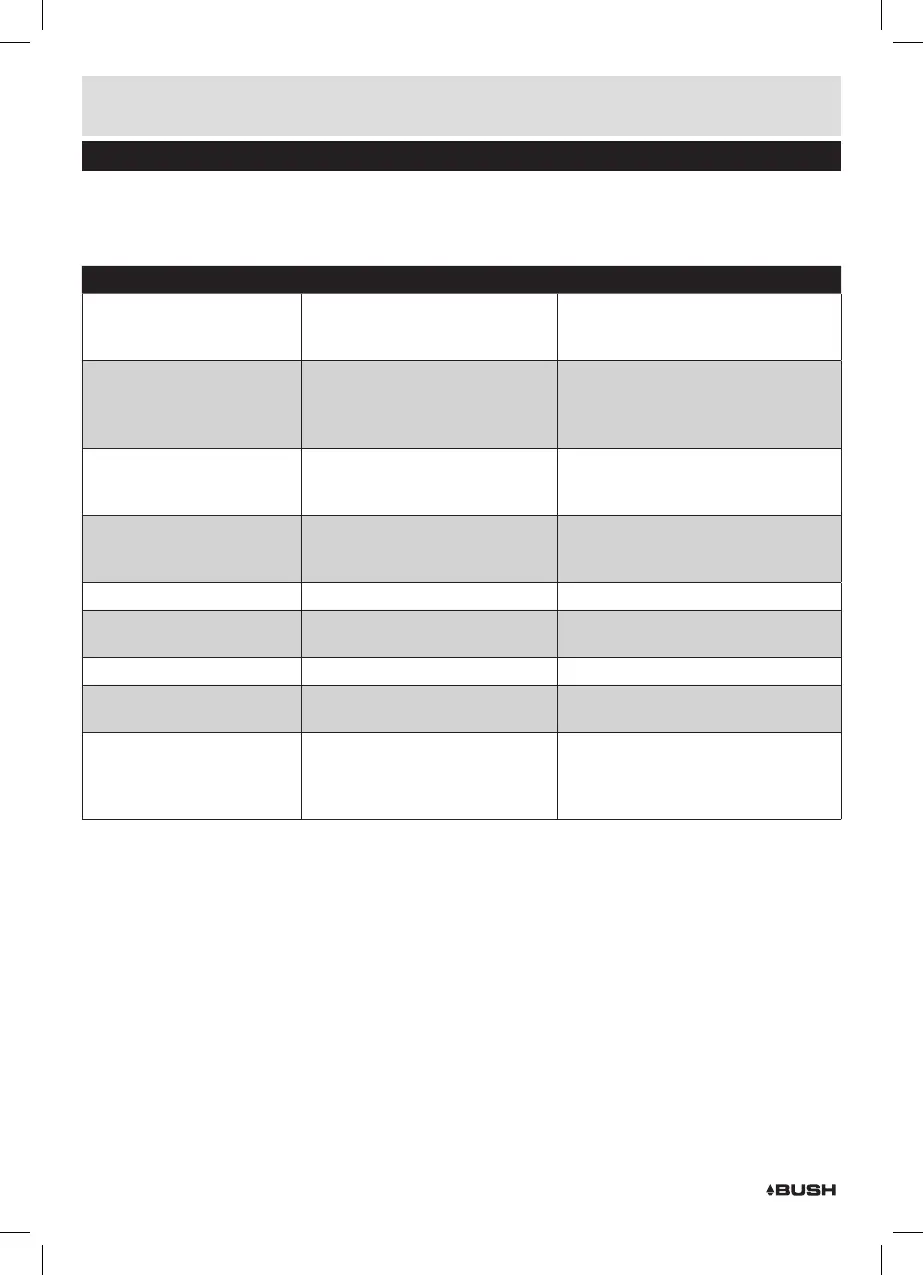
Problem Reason(s) Solution(s)
No Power • Power cable not connected to
wall socket
• Power socket is not switched on
• Make sure the plug is connected
• Switch the power on
No Sound CD/AUX/RADIO
No Sound from AUX input
• Volume is too low
• AUX source volume is too low
• Increase the volume
• Increase the output volume of the
AUX source.
Sound is distorted
Sound is distorted from AUX
input
• Volume is too high
• AUX source volume is too high
• Reduce the volume
• Reduce the output volume of the AUX
source.
Unable to Play • No disc in the tray
• Disc not loaded properly
• Disc is dirty
• Insert a compatible disc
• Check the disc loaded
• Clean the disc
Static Sound • Poor reception • Re-locate the antenna (FM)
Desired station not found • Weak signal
• Station not available in your area
• Use the manual tune function
• See DAB availability website pg 9
Weak or no DAB signal • DAB not available in your area • See DAB availability website pg 9
I can hear a burbling noise on
some stations
• Weak signal • Try re-positioning the aerial
(earphones)
Unit switches off after 20
minutes of inactivity
• Auto standby mode in operation • This unit is designed to enter
STANDBY mode automatically after
20 MINUTES of inactivity. Press the
STANDBY button to wake the unit.



 To Next Page