Page 8
Storing station presets
It is possible to store up to 10 of your favourite stations.
This will enable you to access your favourite stations
quickly & easily.
1: To store a preset, you must first be listening to the
station that you would like to save.
2: Then press & hold one of the numeric buttons from 1
- 0 to store the station under that number. You will see
Preset X Stored appear on the display with X being the
number you stored the station under.
Recalling a station preset
1: To select a preset, just press the required numeric
button while in FM mode to activate the station you
stored.
Display modes
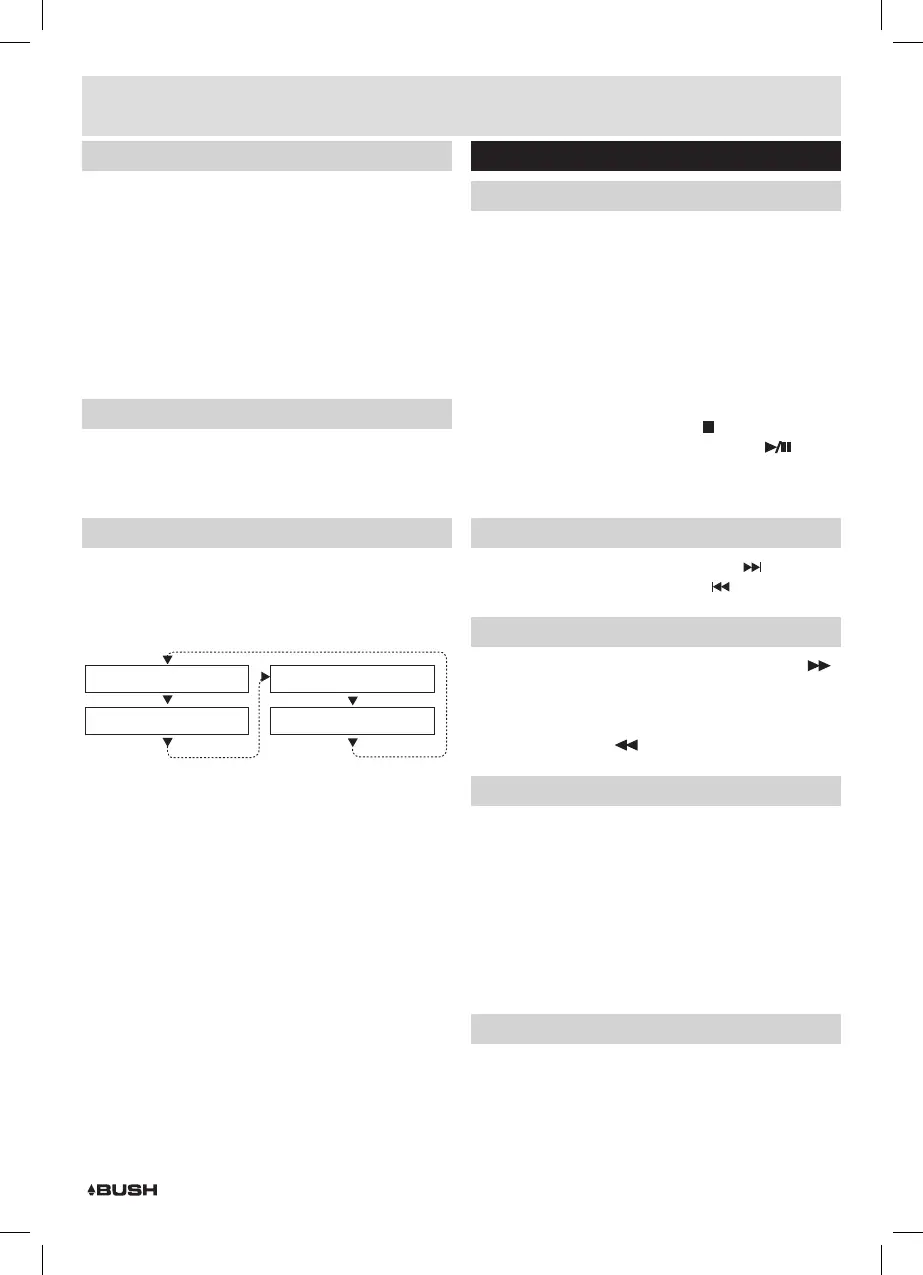
Every time you press the INFO button on the remote
control, the display will cycle through the following
display modes: The information is displayed on the
lower segment of the LCD display.
Audio Mode (Stereo/Mono)
Program Name
Program Type
Radio Text
Radio text
As with DAB, the broadcaster can include a scrolling text
that displays information about the current program. If
Radio text information is not available, then the display
will show <No RadioText>.
Program type
This describes the “Style” or “genre” of music that
is being broadcast e.g. “Rock “or “Classical”. if no
programme type has been set then <No PTY> will be
displayed.
Program name
This will display the frequency of the current station.
Audio mode
This denotes wether the station is in Stereo or Mono
mode.
CD operation
Playback
1: Make sure you are in CD mode, if not press the CD
button on the remote (18) or press the SOURCE
button (3) until you reach CD.
2: Press the EJECT button (12, 36), when the disc
drawer pops out insert a disc (label side facing
upwards), press the EJECT button again to close.
3: When the door is closed “LOADING DISC” will appear
on the display as the unit detects compatible audio
tracks.
3: Playback will begin automatically from Track 01.
4: To stop playback press the STOP
button (5, 19).
5: To pause playback press the PLAY/PAUSE
button
(4,20) during playback. To resume playback press
once more.
Skipping Tracks
1: To skip to the next track on a disc press
(9, 33).
2: To skip to the previous track press
(8, 23).
Fast Searching Tracks
1: To fast forward a track during playback press the
(32) button. Each press of the button increases the
search speed EG: 2x & 4x the next press will resume
normal playback. To fast rewind a track during
playback press the
(22) button.
Repeat Operation
1: During playback pressing the REPEAT button (34) will
flag the current track to repeat indefinitely. You will
see ‘REPEAT:One’ on the display.
2: Pressing the REPEAT button again will repeat all
tracks on the disc. You will see ‘REPEAT:All’ on the
display.
3: To cancel the repeat function press the REPEAT
button for a third time. You will see ‘REPEAT:Off’ on
the display.
Numeric buttons
While listening to a CD a specific track number can
be played by pressing the relative digit on the number
buttons. EG track 6 would be 06. To play track 12 you
would press the 1 button then 2.
User instructions



 To Next Page