Page 6
User instructions
Manual tuning
As well as an auto tune function, you can manually
tune the receiver.
1: Press the MENU button in DAB mode, and use either
(8) or (9) on the unit, (22) or (32) on the
remote to find <Manual tune> Press the PLAY/PAUSE
button (4) on the main unit or ENTER button (21) on
the remote to activate the manual tune options.
2: Now use the
(8) or (9) on the unit, (22)
or
(32) on the remote to cycle through the DAB
ensembles/multiplexes, which are numbered from
5A to 13F.
3: Press the ENTER or PLAY/PAUSE button to view the
ensemble/multiplex details. Press the ENTER or
PLAY/PAUSE button again to enter the multiplex.
4: To see what stations are present in the found
ensemble/multiplex, just press either
(8) or
(9) on the unit,
(22) or (32) on the remote. When
you’ve located a station that you would like to listen to,
press the ENTER or PLAY/PAUSE button.
5: Any stations found during the manual tune operation
will be added to your station list.
Storing station presets
It is possible to store up to 10 of your favourite stations.
This will enable you to access your favourite stations
quickly & easily.
1: To store a preset, you must first be listening to the
station that you would like to save.
2: Then press & hold one of the numeric buttons from 1
- 0 to store the station under that number. You will see
Preset X Stored appear on the display with X being the
number you stored the station under.
Recalling a station preset
1: To select a preset, just press the required numeric
button while in DAB mode to activate the station you
stored.
Display modes
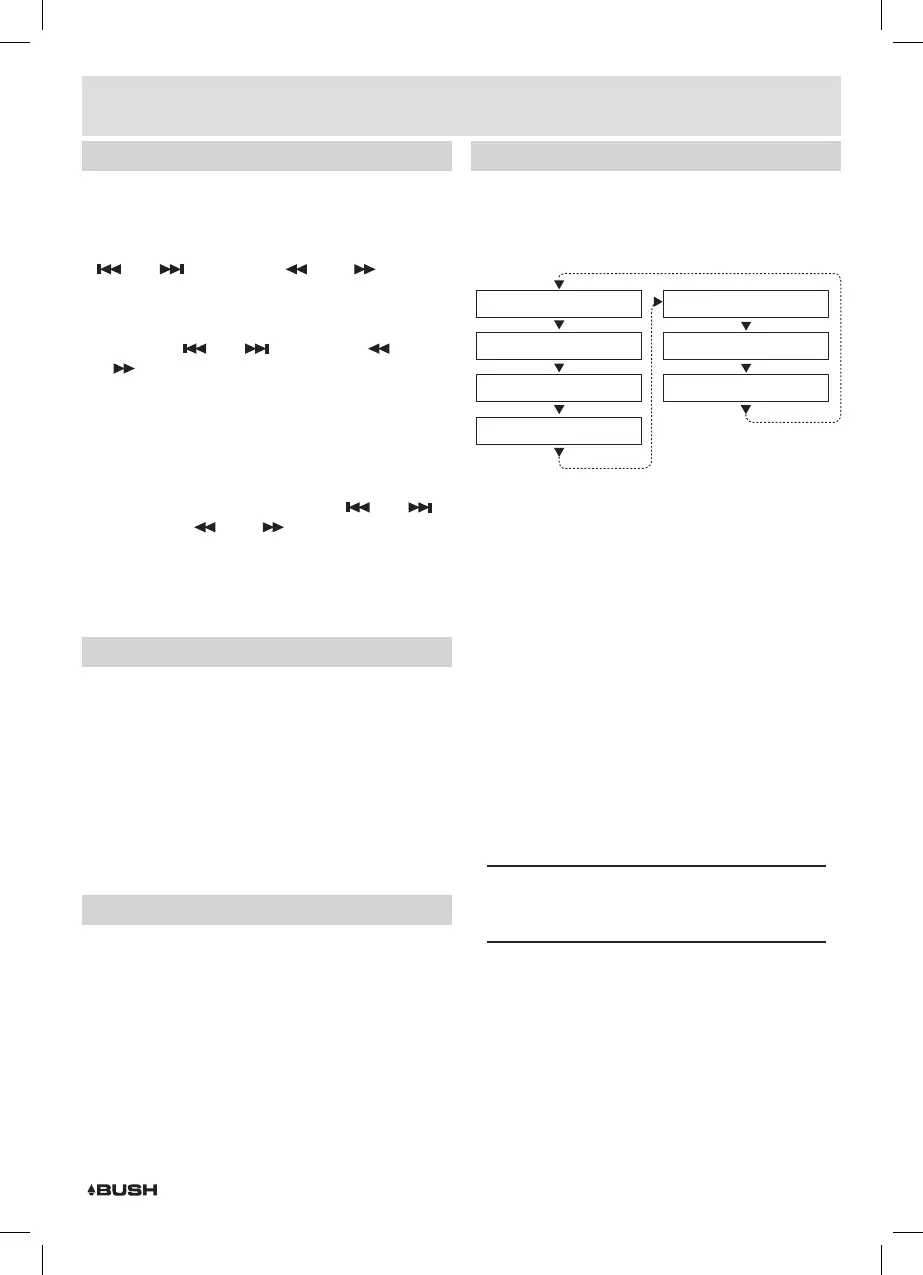
Every time you press the INFO button on the remote
control, the display will cycle through the following
display modes: The information is displayed on the
lower segment of the LCD display.
Channel Frequency
Programme Type
DLS (scrolling text)
Signal Error
Bitrate
Signal Strength
Ensemble Name
DLS (Dynamic Label Segment)
Dynamic label segment is a scrolling message that the
broadcaster may include with their transmissions. This
message usually includes information, such as program
detail etc.
Signal Strength
Displays how strong the current signal being received is.
Program type
This describes the “Style” or “genre” of music that is
being broadcast e.g. “Rock “or “Classical”.
Ensemble/Multiplex (Group name)
A multiplex/ensemble is a collection of radio stations
that are bundled and transmitted on one frequency.
There are national and local multiplexes. Local ones
contain stations that are specific to that area e.g. MXR
West.
NOTE: DAB – unlike normal radio, groups together
several radio stations and transmits them on one
frequency.
Channel Frequency
Displays the frequency information for the current
station.
Signal Error
Displays information regarding the error rate in the
signal.
Bit rate
This displays the type of broadcast you are receiving e.g.
mono or stereo and what bit rate is being used.



 To Next Page