section of these instructions, or online at www.argos-support.co.uk If you still require further assistance, call one of our experts on 0345 600 3021.
Photo mode
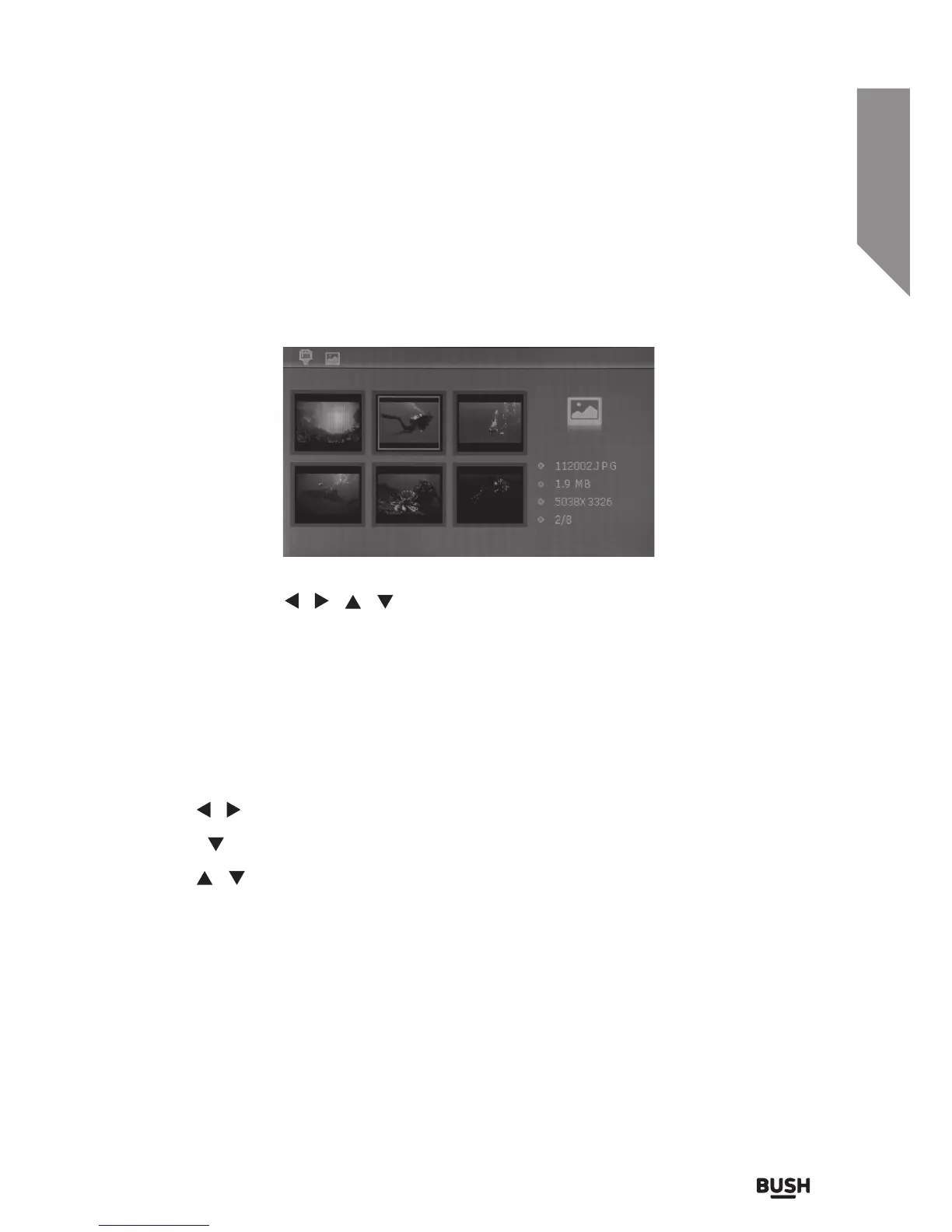
When you activate the Photo function (by pressing the PLAY/PAUSE button) a screen
displaying thumbnail images of the first 6 compatible files on the input media selected.
• Navigate using the
/ / / buttons (7).
• Press PLAY/PAUSE (6) to select an image to view full screen.
• To begin the slideshow function press the PLAY/PAUSE (6) once more. You will see a
Triangle appear in the bottom right corner to indicate the slideshow is active (this is
only visible for 2 seconds).
• To PAUSE the slideshow on the currently displayed image press the PLAY/PAUSE (6)
button. Press again to resume the slideshow.
• Use the
/ buttons (7) to skip to the next or previous image.
• Press the
button to load the next 6 images when the 6th thumbnail is selected.
• Use the
/ buttons (7) to rotate the currently displayed image.
• Return to the photo menu by pressing the BACK button (2).


 To Next Page