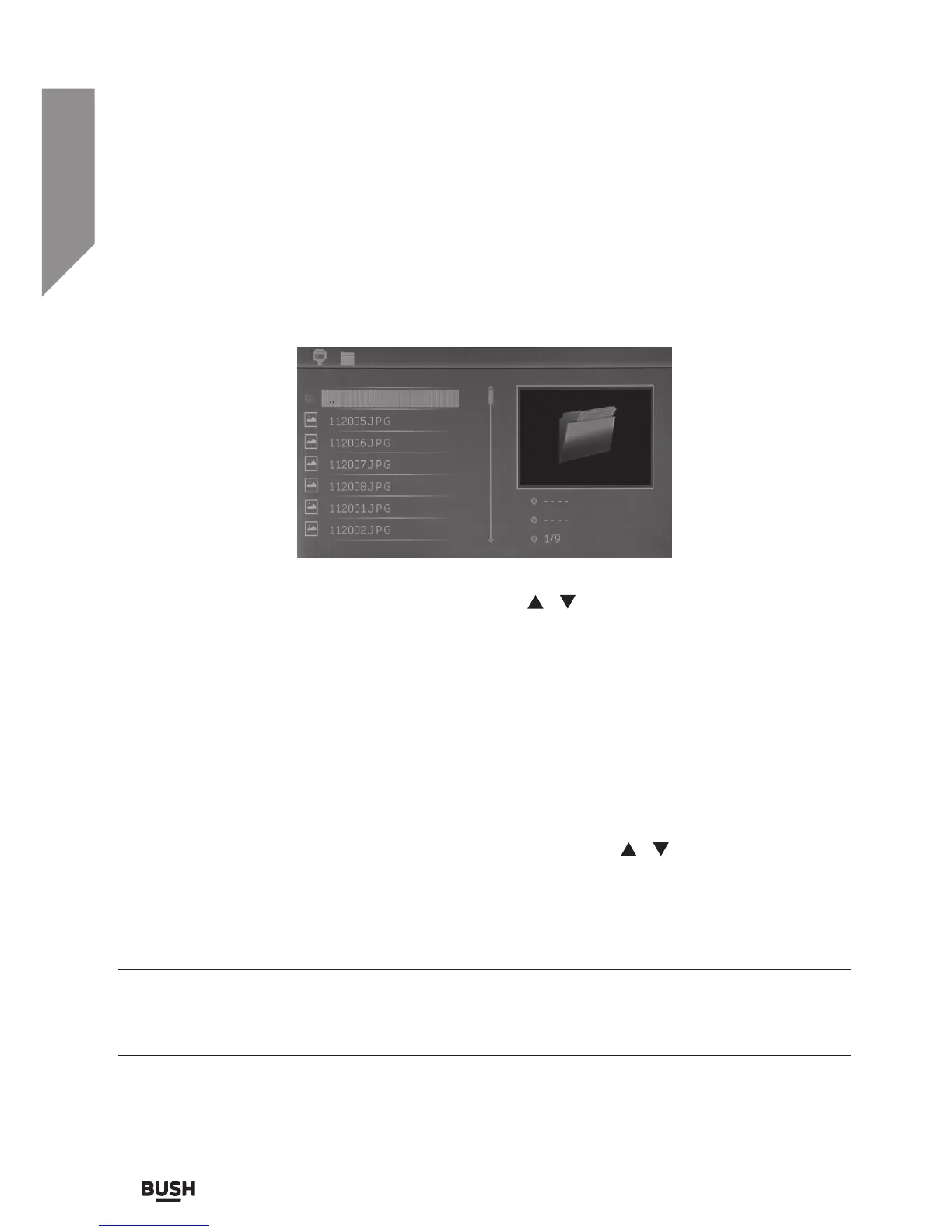
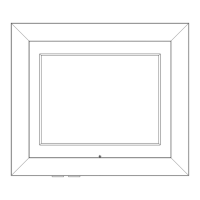
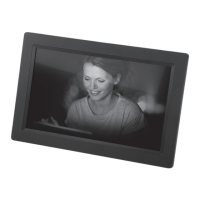
File browser mode
This option when activated presents a screen split into two sections. The left hand side
contains a list of folders & files.
• Scroll through these files and folders using the
/ buttons and the PLAY/PAUSE
button (6) to either open a folder to view the files inside or to select a file for viewing.
• Return to the file menu after viewing an image by pressing the BACK button (2).
Deleting an image
Follow the below steps should you wish to delete an image from the current media input
device.
1. Select the image, press and hold the BACK button (2).
2. Select DELETE FILE from the menu that appears using the
/ buttons.
3. Press the PLAY/PAUSE button (6) to delete the image.
4. If you decide not to delete the image navigate to the EXIT option and press the PLAY/
PAUSE button (6) to exit the menu.
Details of the highlighted file can be viewed on the right hand section of the screen.
These details include: Resolution, File size & number of images on the media input or
current folder.


 To Next Page