30
If you require any technical guidance or find that your product is not operating as intended, a simple solution can often be found in the
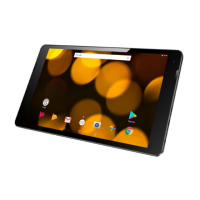
Getting to know your Bush Eluma B2 8" Tablet
You’ll be up and running in no time
Getting to know your tablet
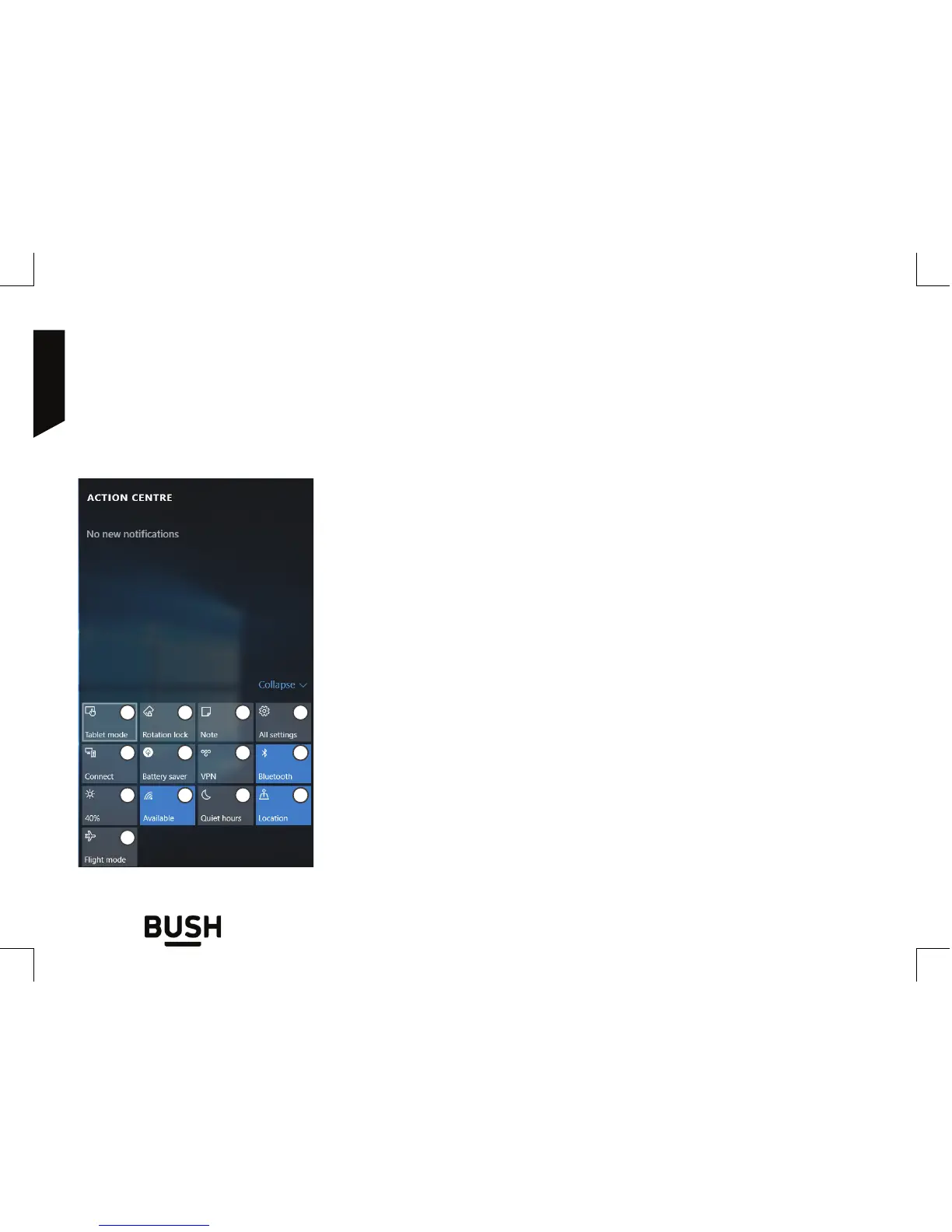
1. To change from PC mode to tablet mode
2. To turn on/o the screen rotation
3. To take notes
4. To access all settings
5. To connect other devices
6. To manage the device’s battery
7. To make a VPN connection
8. To turn on/o the Bluetooth connection
9. To adjust the screen brightness
10. To turn on/o the WiFi connection
11. To turn on/o the Quiet hours option
12. To turn on/o location services
13. To turn on/o the flight mode
Windows quick settings
Swipe your finger from the right edge of the screen to the left.
1
9 11
765
432
10 12
8
13



 To Next Page