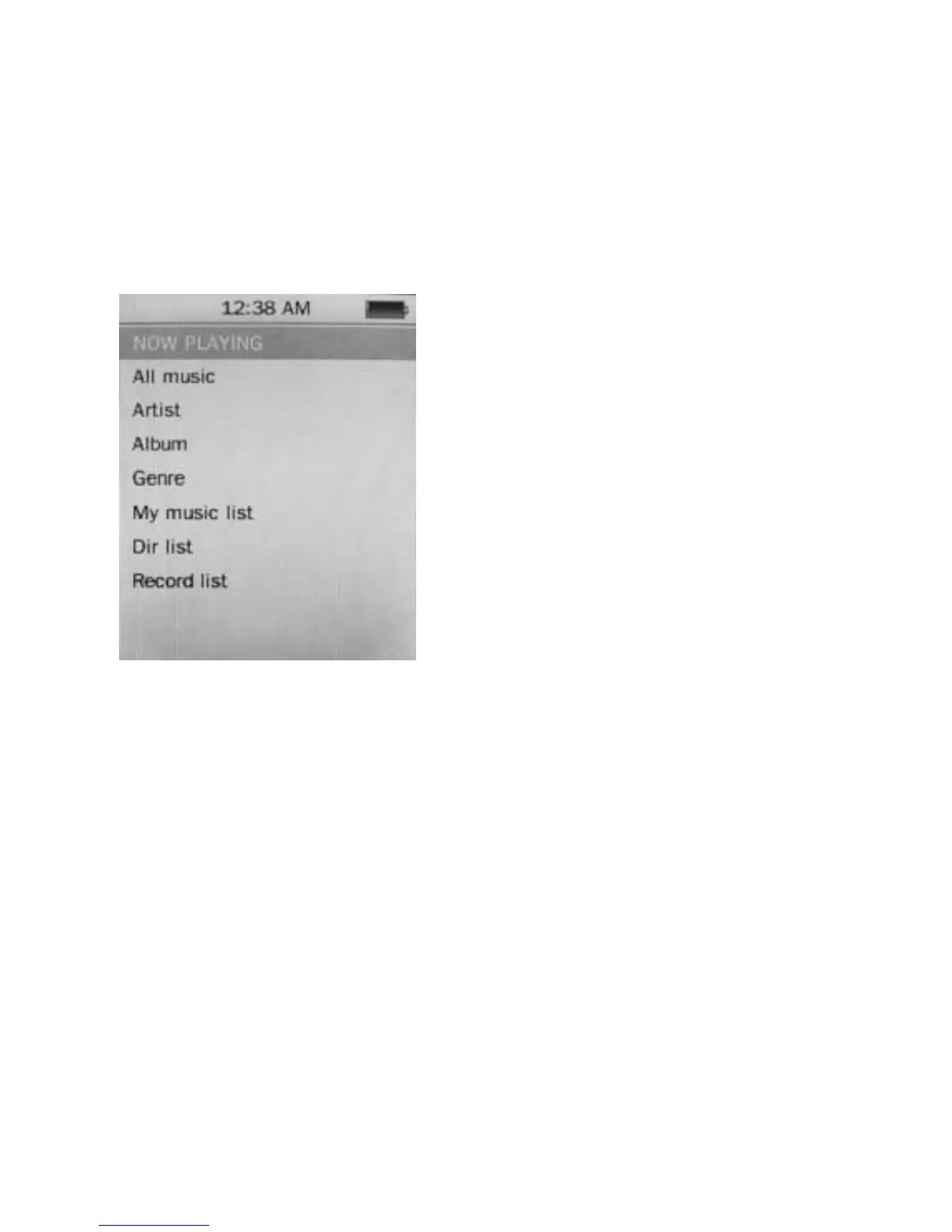
Operation of Music Mode
Press Previous/ Next button to select “Music” and press
Play/ Pause button to enter the page. Once you’ve
entered the music mode, the following screen would show
up.
Now Playing
Press Previous/ Next button to
select Now Playing and press
Play/ Pause button to resume
playing the current song.
All Music
Press Previous/ Next button to
choose All Music and press
Play/ Pause button to show
your library of music. Press
Previous/ Next button to select
any particular song and press Play/ Pause to start playing.
Artist
Press Previous/ Next button to select Artist to show all of
your artists. Press Previous/ Next to choose any
particular artist to show the songs of that artist. Select
song and press Play/ Pause to start playing.
Album
Press Previous/ Next button to select Album to browse
all of your albums. Press Previous/ Next to choose any
particular album to browse the songs of that album. Press
Play/ Pause button after selected any song to start playing.
8



 To Next Page