Previous / Next
Press Next to jump to the next song, and press Previous
to jump back to the previous song. Hold Previous/ Next
button to go fast forward or backward
Play Option
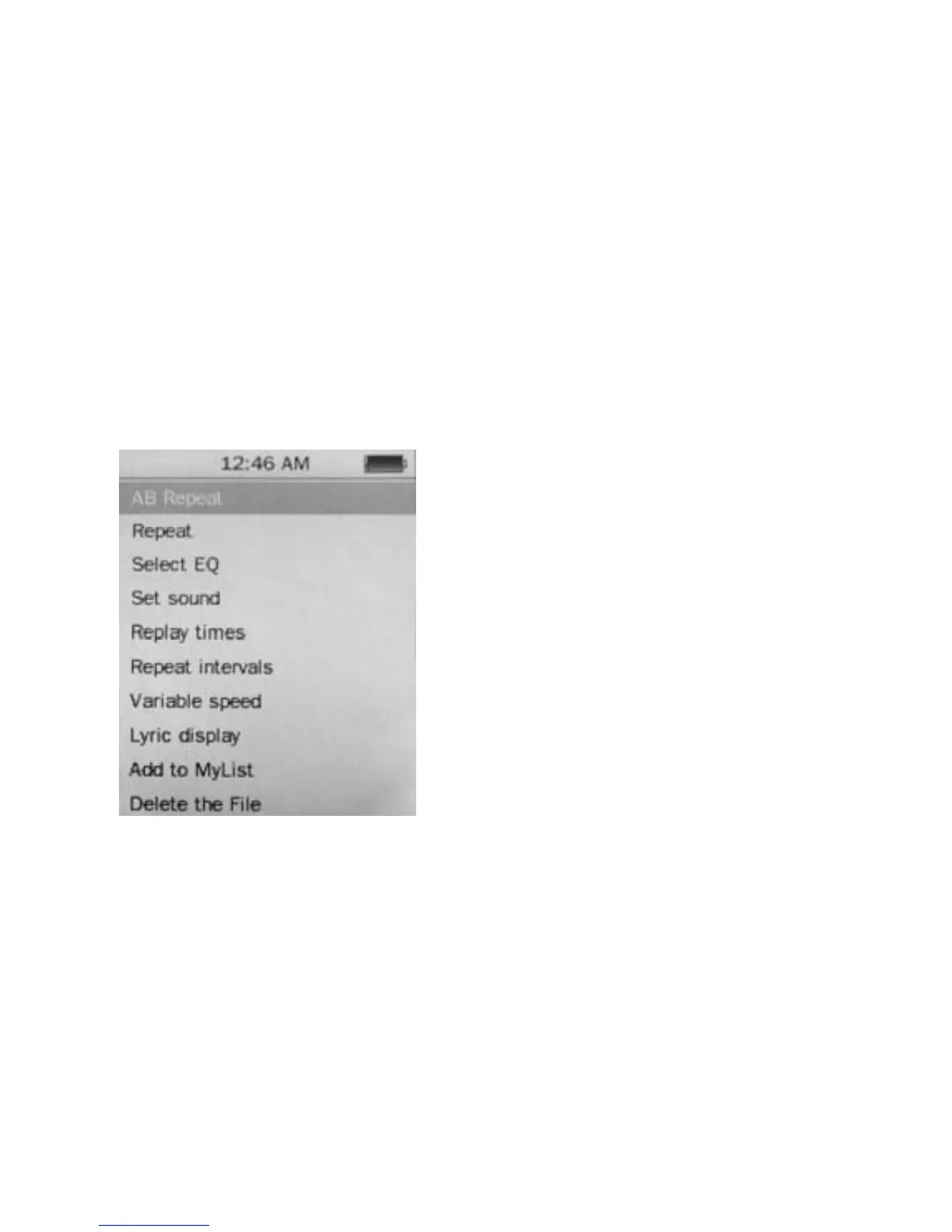
Hold M button to enter the Play Option Menu. You can set
your preference in AB Repeat/ Repeat/ Select EQ/ Set
Sound/ Replay times/ Repeat intervals/ Variable speed/
Lyric display/ Add to my list/ Delete the file
AB Repeat
While playing music, hold M to
enter the sub-menu. Press
Previous/ Next to select A-B
repeat and press Play/ Pause
to confirm. Press Play/ Pause
button to set the starting point
of the A-B Repeat, then press
Play/ Pause again to set the
ending point. To cancel A-B
repeat mode, press Play/
Pause again.
Repeat Mode
Press Previous/ Next to choose Repeat Mode and press
Play/ Pause to choose from Sequence/ Repeat One/
Repeat All/ Shuffle/ Shuffle + Repeat. Once you’ve
selected, press Play/ Pause to confirm and press M to
return to sub-menu.
10



 To Next Page