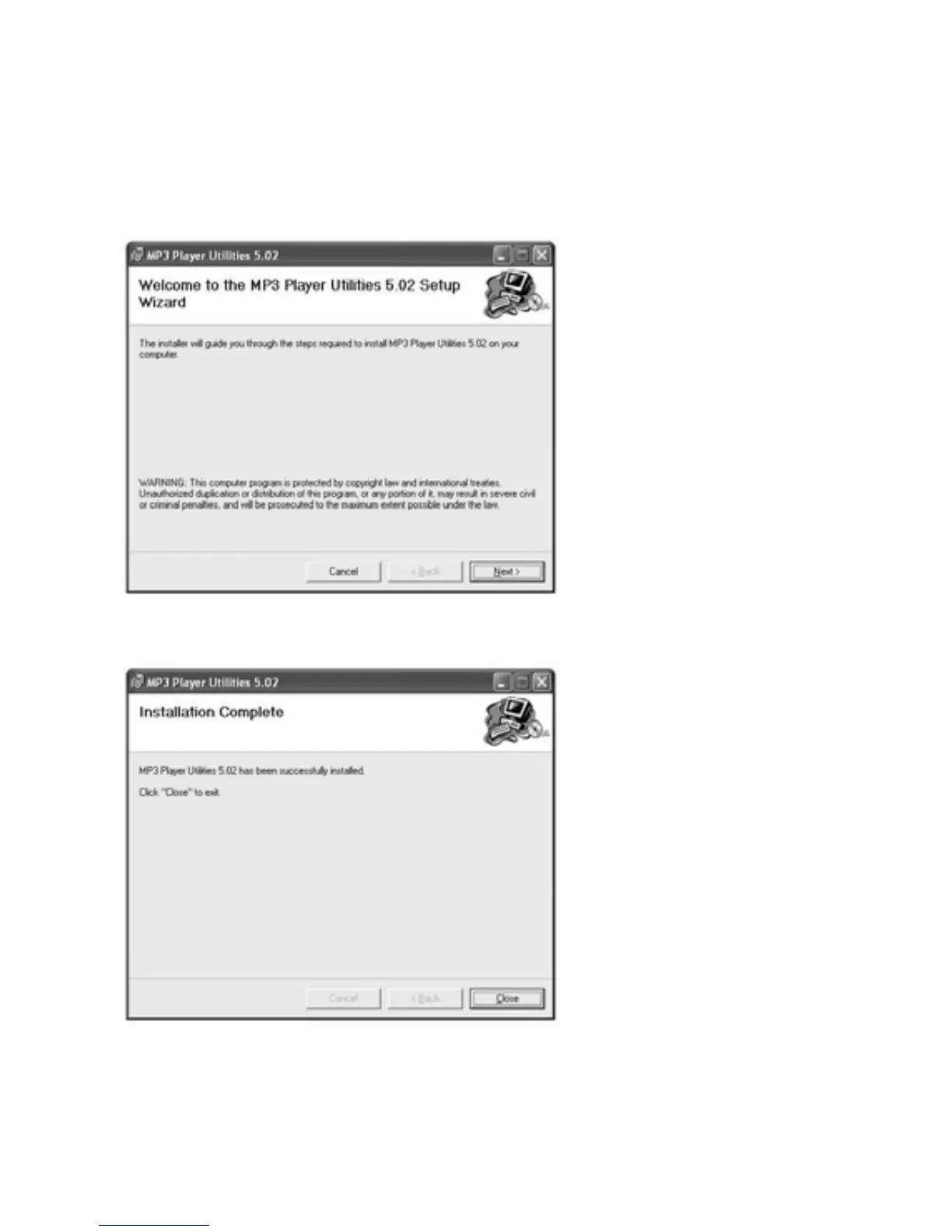
Software Utilities Installation
Insert the CD into the CD ROM Drive of your PC. Click
Setup.exe to start driver installation. Follow the
on-screen-menu to complete the installation.
Click Close once you reach the Installation Complete
Screen.
For Window 98/98SE users, please install the driver in the
CD-ROM before downloading any files to your player
3



 To Next Page