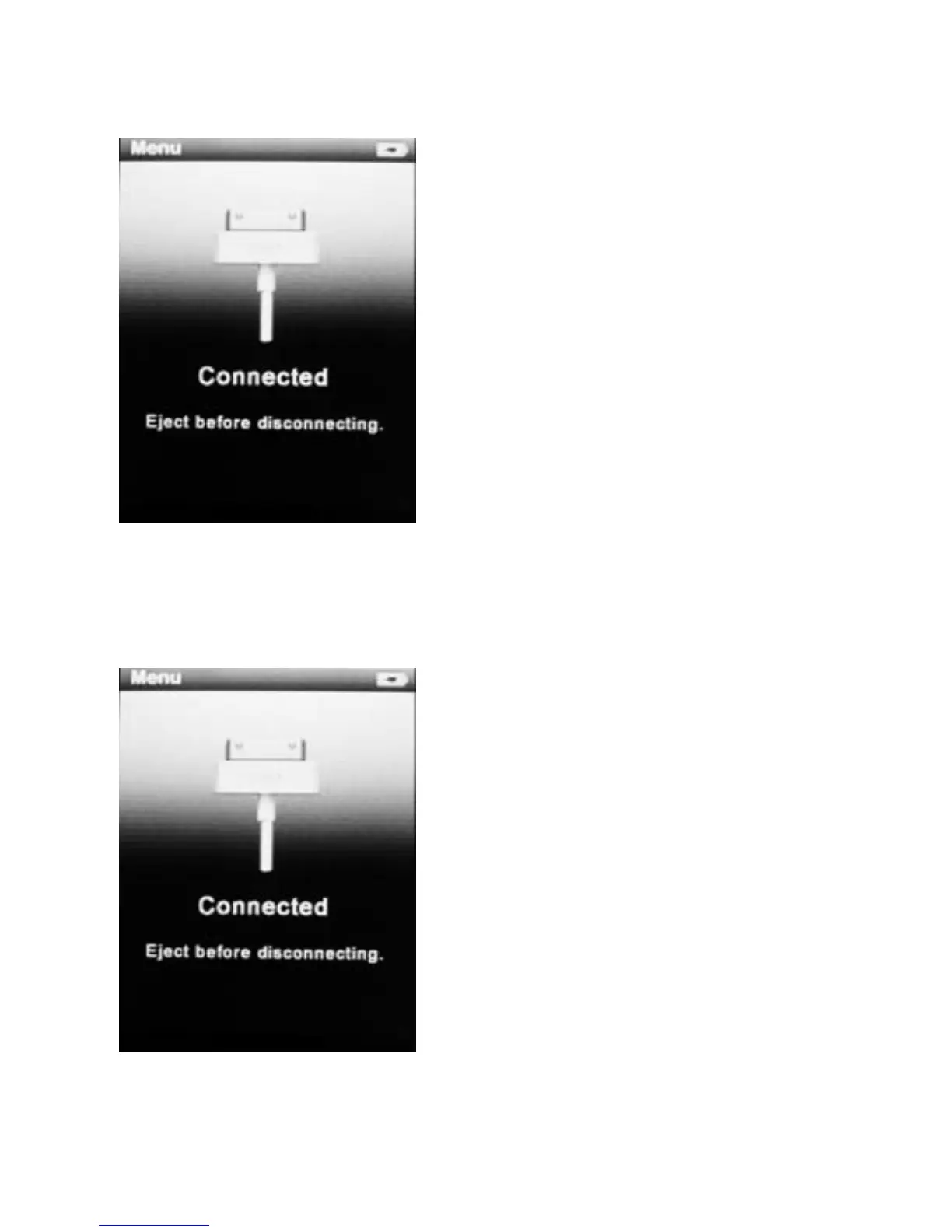
Connect & Charge
Your player will be charged
while being connected to PC
through the USB cable.
! You will see the charging
animation in the bottom right
hand corner of the display. The
player is fully charged when the
charging animation stops.
(Switch on the player when
charging)
Transfer
Step 1:
Set the Online Device of the
player as USB Disk (Refer to
Page 6), then connect it to your
PC by USB cable. Once the
connection is successfully
made, the above screen display
would be shown. Try
re-connecting the player if the
above screen doesn’t appear.
4



 To Next Page