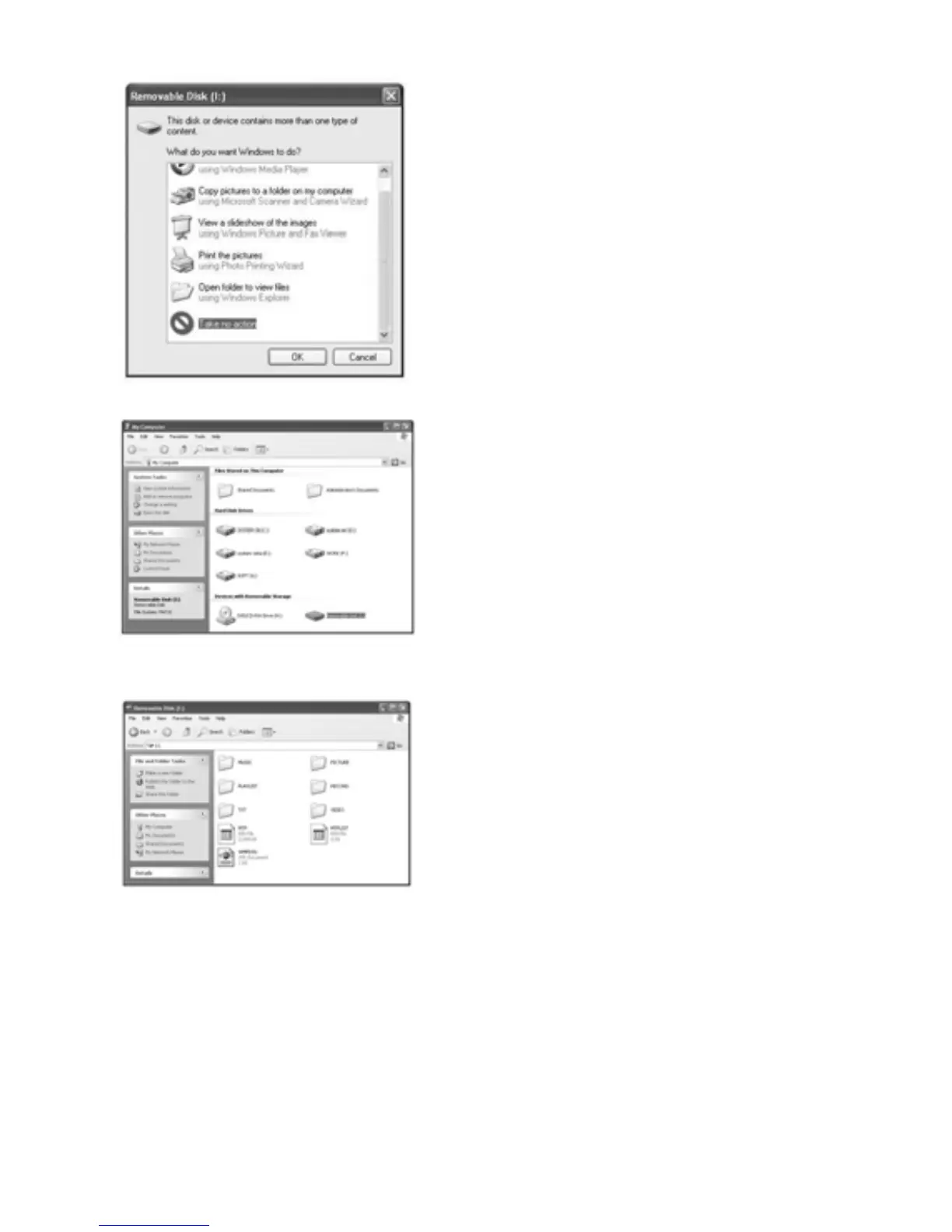
Step 2:
The above screen would appear.
(Apply only to Window XP)
Choose Take no action and
click OK to close the window.
Double click My Computer on
your desktop and the above
window would appear. Look for
the Removable Disk Icon.
Double click the Removable
Disk icon. Note: Do not
disconnect the USB cable once
you click into the removable
disk window. Such action may
cause data loss or problems to
the player.
Drag and drop your media files into the removable disk.
You can create any folder or directory in the removable
disk. Close the removable disk window and disconnect the
player from your PC after the data transfer.
5



 To Next Page