Genre
Press Previous/ Next button to select Genre to browse all
genre of your songs. Press Play/Pause button to enter the
genre that you’ve chosen and press Play/ Pause button to
start playing the selected song.
My Music List
Press Previous/ Next to select My Music List to browse
all songs that you’ve added to be your playlist. Press
Previous/ Next button to select desire song list and press
Play/ Pause button to start playing the selected song.
Record List
Press Previous/ Next button to select Record List to
choose from FM Record or Voice. Press Play/ Pause
button to start playing the selected file
Press M to jump back to the main menu.
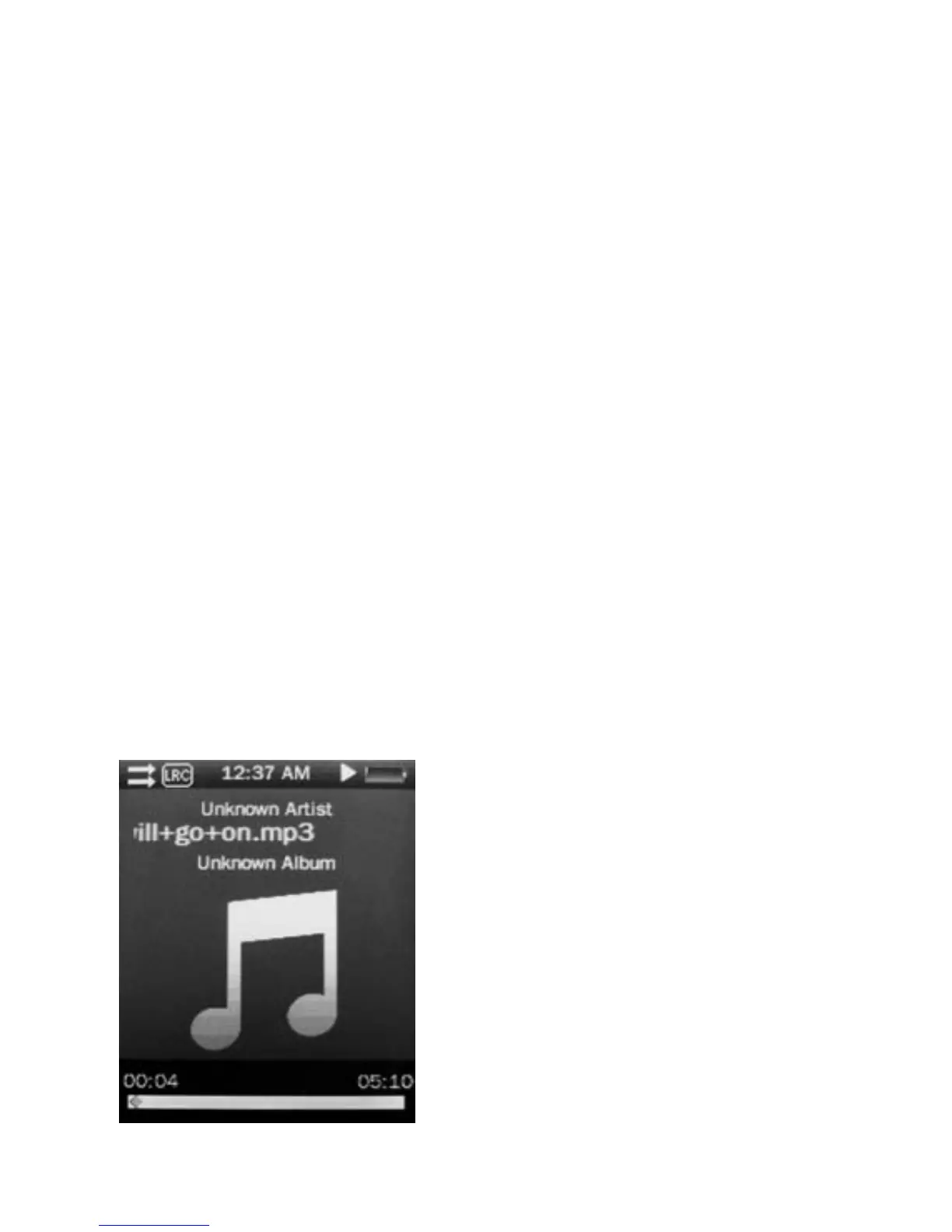
Music Player interface
Whenever you start playing a song you’ll reach the Music
Player Interface as below.
Play Music
Press the Play/ Pause button in
the middle to start playing, and
press again to pause.
Volume
Hold Play/ Pause button until
the volume bar appear at the
button. Press Previous/ Next
button to adjust the volume.
9



 To Next Page