Operation of Others
Press Previous/ Next button to choose “Other” on the
main menu to enter the page.
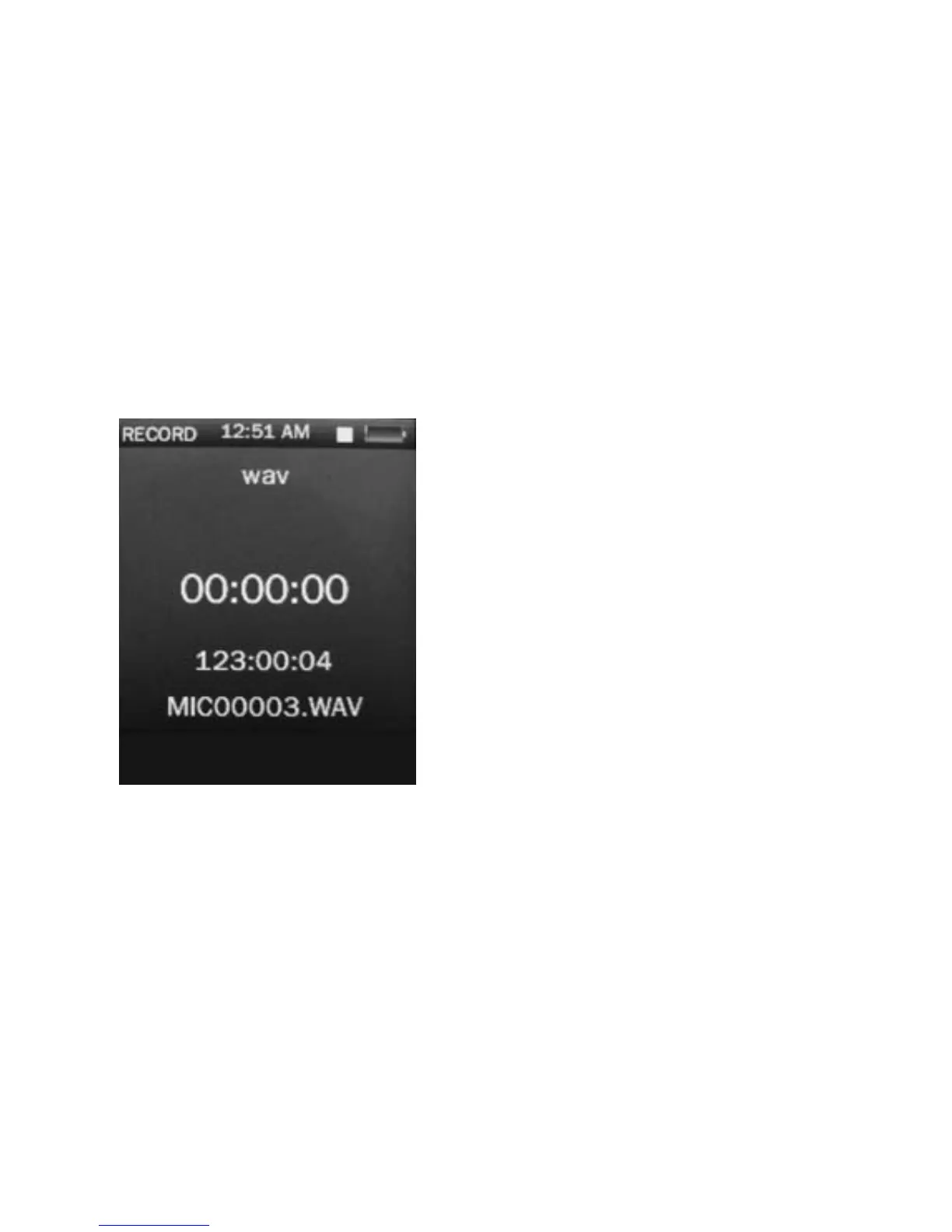
Operation of Record Mode
Press Previous/ Next button to select “Recordings” and
press Play/ Pause to enter the record mode. Once you’ve
entered the record mode, the following screen would show
up.
Basic record control
Press Play/ Pause to start
recording and press Play/
Pause again to pause
recording, Press M to save or
cancel the recorded file.
Sub-menu of record
Hold M to enter the submenu
and choose from Record
format/ Record quality/ Record
gain.
Operation of E-book
Press Previous/ Pause to choose “E-book” and press
Play/ Pause to enter the e-book menu. Once you’ve
entered the e-book menu, the following screen would show
up.
19



 To Next Page