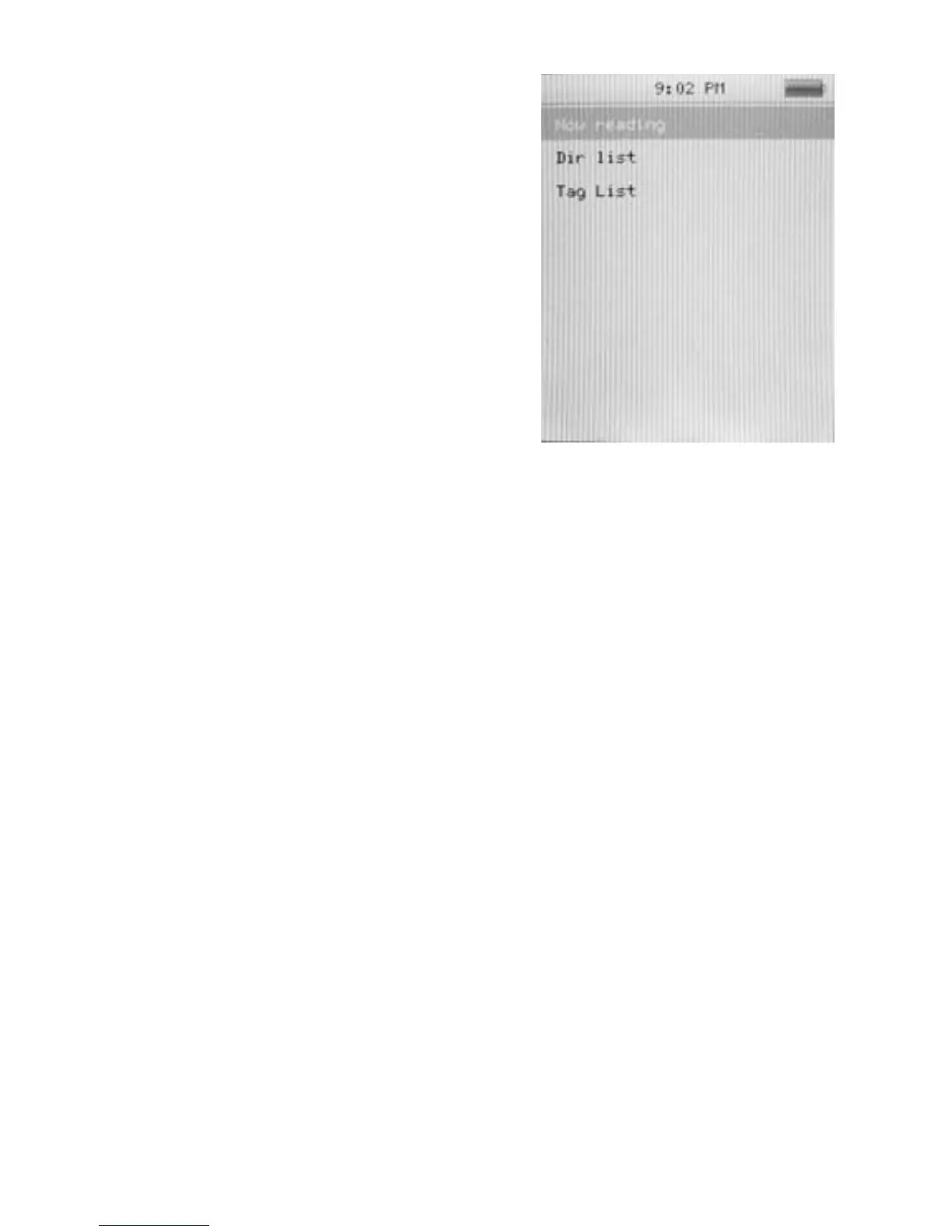
Basic e-book control
Press Play/ Pause to enter the
Dir List, and press Previous/
Next to select .TXT file. When
opened an e-book file, press
Previous to go back to
previous page, and press Next
to skip to the next page. Hold M
to enter the E-book sub-menu.
Tag List:
Press Previous/ Next to Select “Tag List” and press Play/
Pause to browse the list.
E-book Sub-menu
Skip to: Press Previous/ Next to adjust the percentage
jumping between pages.
Auto Play Gap: Press Previous/ Pause to choose from 3
Sec/ 6 Sec/ 9 Sec/ 12 Sec/ 15 Sec.
Add Bookmark: Press Play/ Pause to confirm
bookmark/Tag
Delete the file: Press Previous/ Next to choose OK and
press Play/ Pause to confirm delete file.
20



 To Next Page