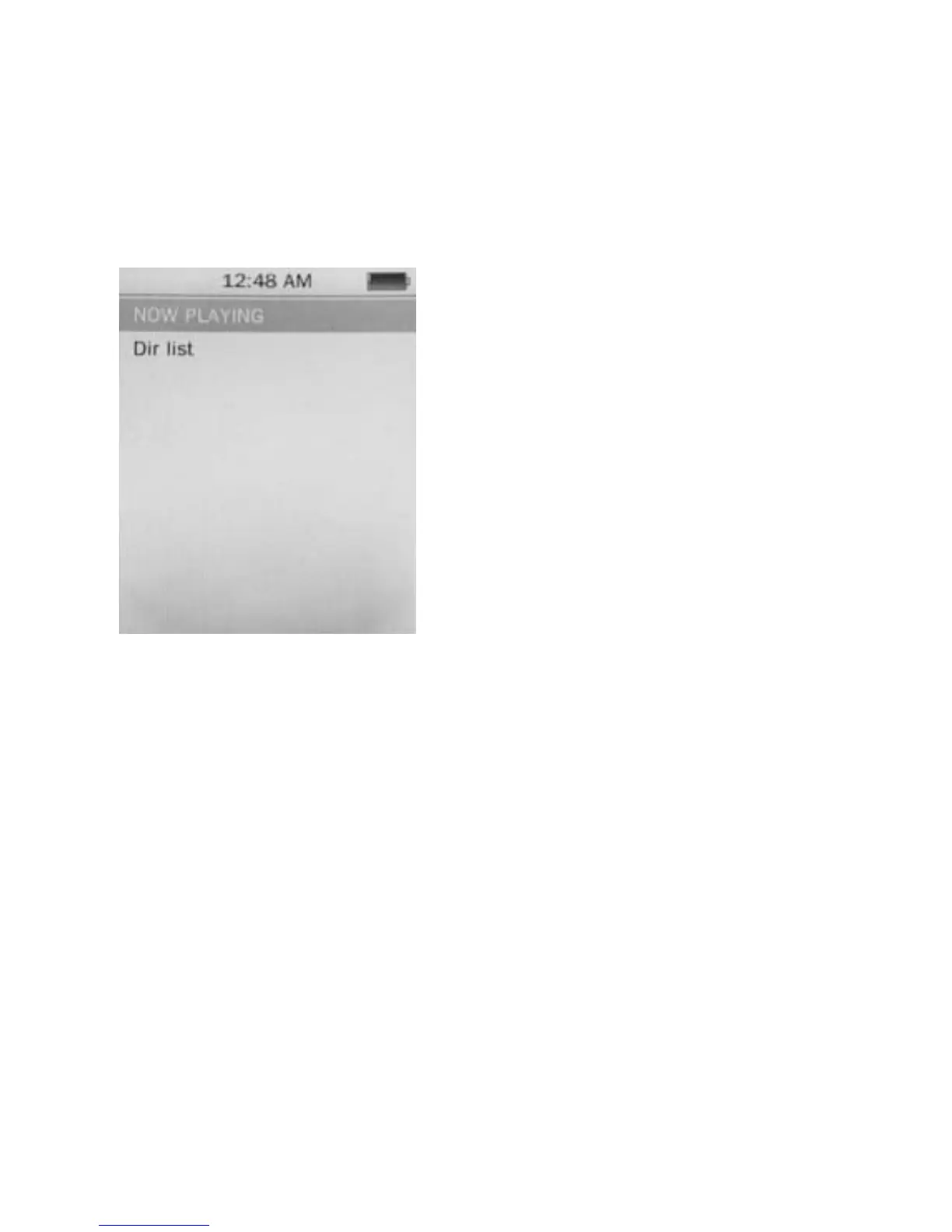
Operation of Video Mode
Press Previous/ Next button to select “Movie” and press
Play/ Pause button to enter video mode. Once you’ve
entered the video mode, the following screen would show
up.
Press Previous/ Next button to
select your desire movie and
press Play/ Pause button to
start playing.
For video recording file, it will
be saved inside the CAMERA
folder.
Basic Video Control
Press Previous button to choose previous movie, hold
Previous to rewind. Press Next button to choose next
movie, hold Next to fast-forward. Hold Play/ Pause button
until volume bar appear at the bottom, press Previous/
Next button to adjust the volume.
13



 To Next Page