Music Setting Interface
Click one of the 4 buttons at the bottom of the interface to enable an appropriate
function.
Icon Description
Click Browser to enter different song lists - main directory, card
directory, all songs, ID3 list, play list, and tag list.
Click Settings to choose
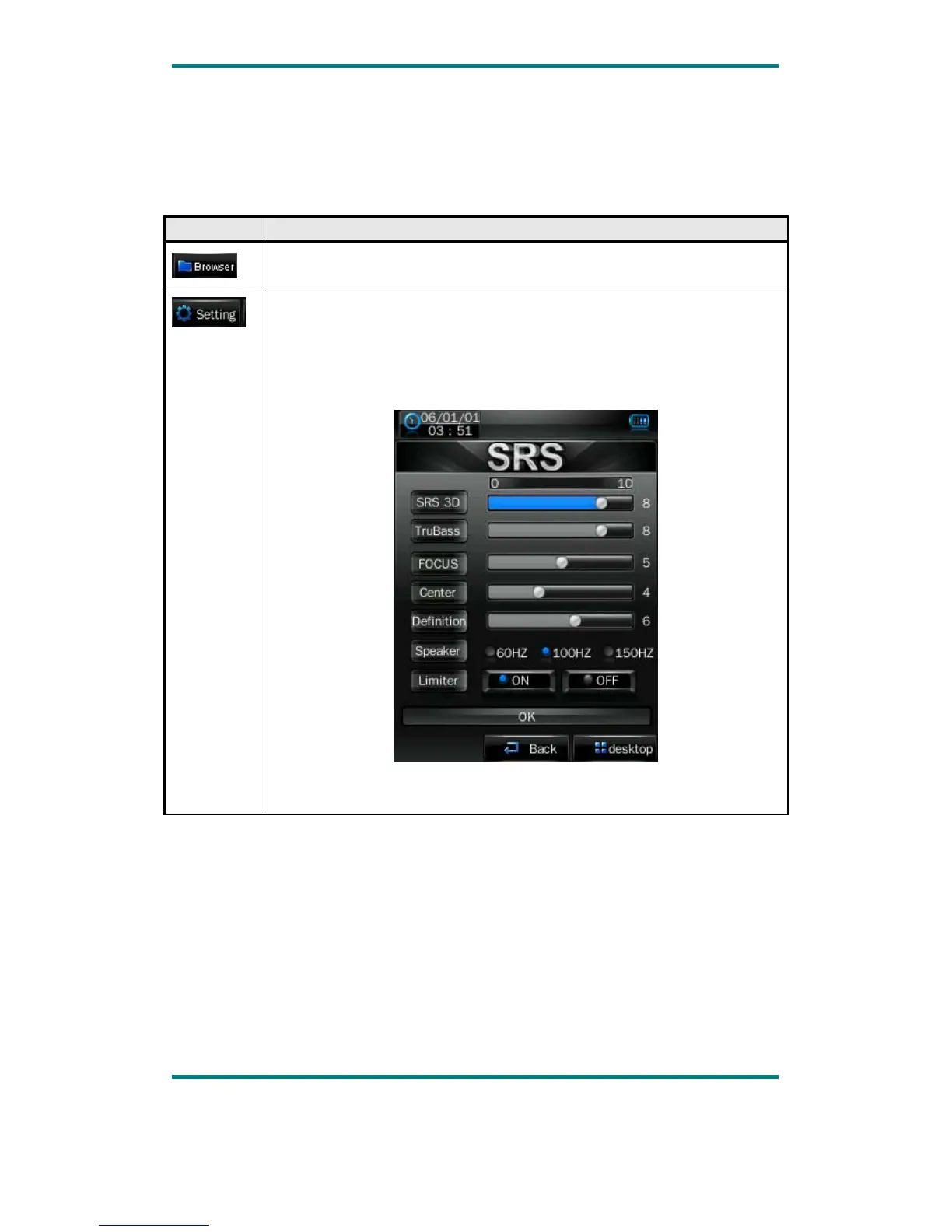
SRS setting: WOW, WOWHD, USER
Click USER to enter user setting interface. Drag the bar or chick the
options to set the functions. Click OK to confirm the settings.
EQ setting: click to enter User EQ setting interface, move up or down
the bar to select sound effect, and click OK to confirm.
Version1.0 Page 9



 To Next Page