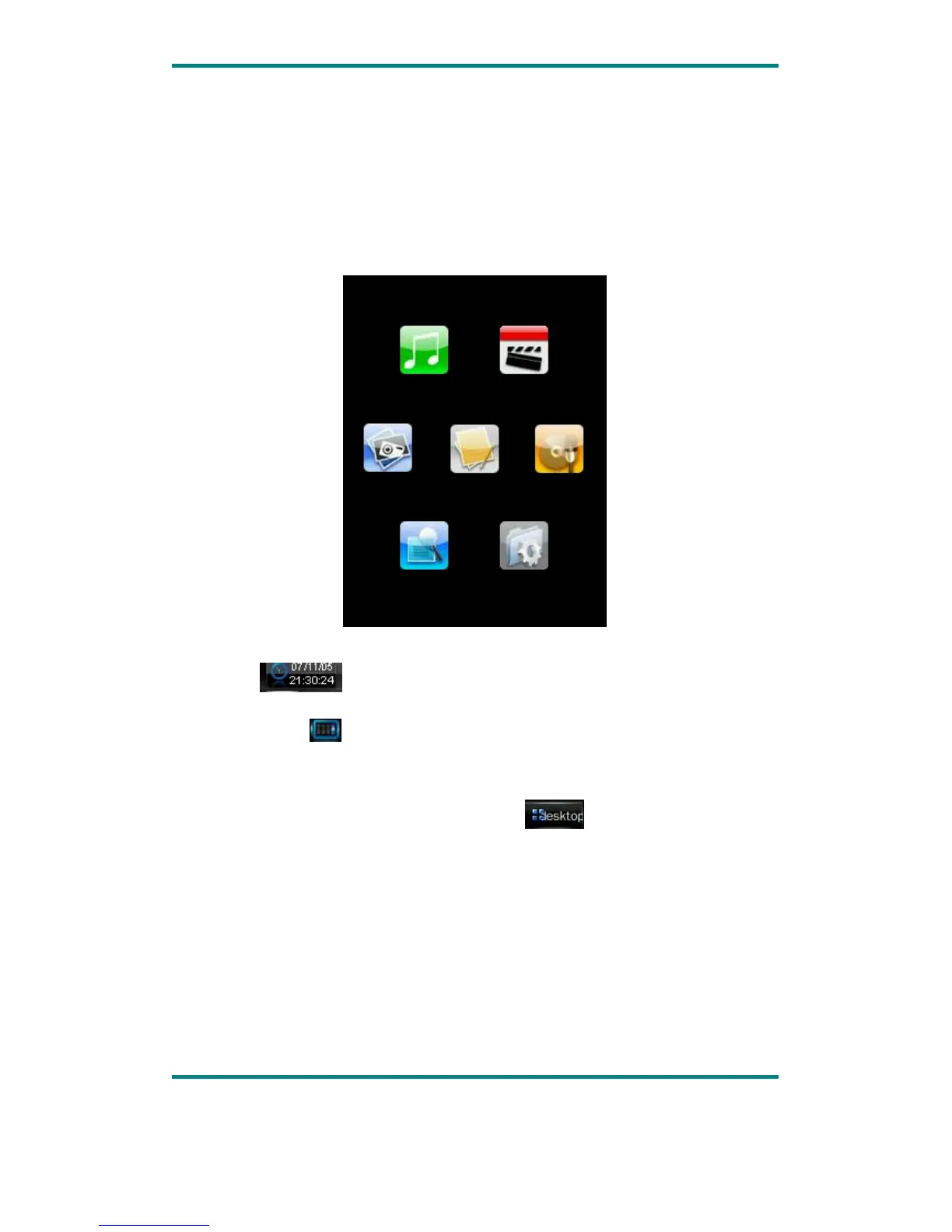
Main Menu Interface
This player provides a touch screen OS for direct operation. The main menu interface
is shown in the picture below:
1.The system date and time is shown on the upper left corner of the main menu
interface
. The battery is shown on the upper right corner of the main
menu interface .
2.Under the main menu interface, touch an icon on the screen, and the player will
enter the selected mode.
3.After the player enters a mode, touch the
icon on the bottom right
corner or press and hold the MENU button to return to the main menu interface.
egaP 0.1noisreV 7
Music
Photo
Explorer Settings
E-book Record
Video



 To Next Page