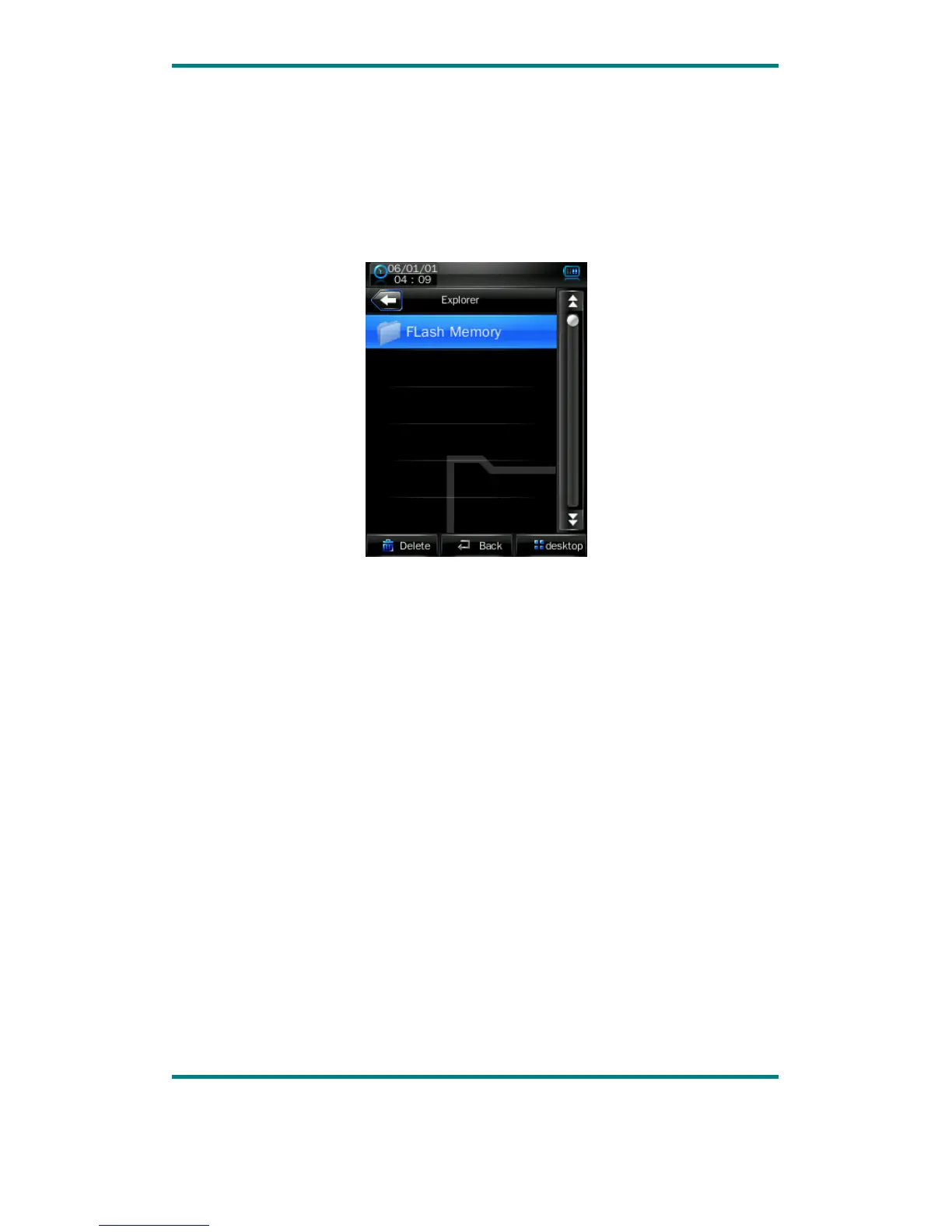
Explorer
In the main interface, click the “Explorer” icon to enter the mode: Flash Memory and
Card Memory (not displayed if no card inserted). All files and file folders in the
player can be listed, and the user may play the compatible music, video, e-book and
picture files under this interface; or, the user may directly delete the selected files.
egaP 0.1noisreV 19



 To Next Page