Music Mode
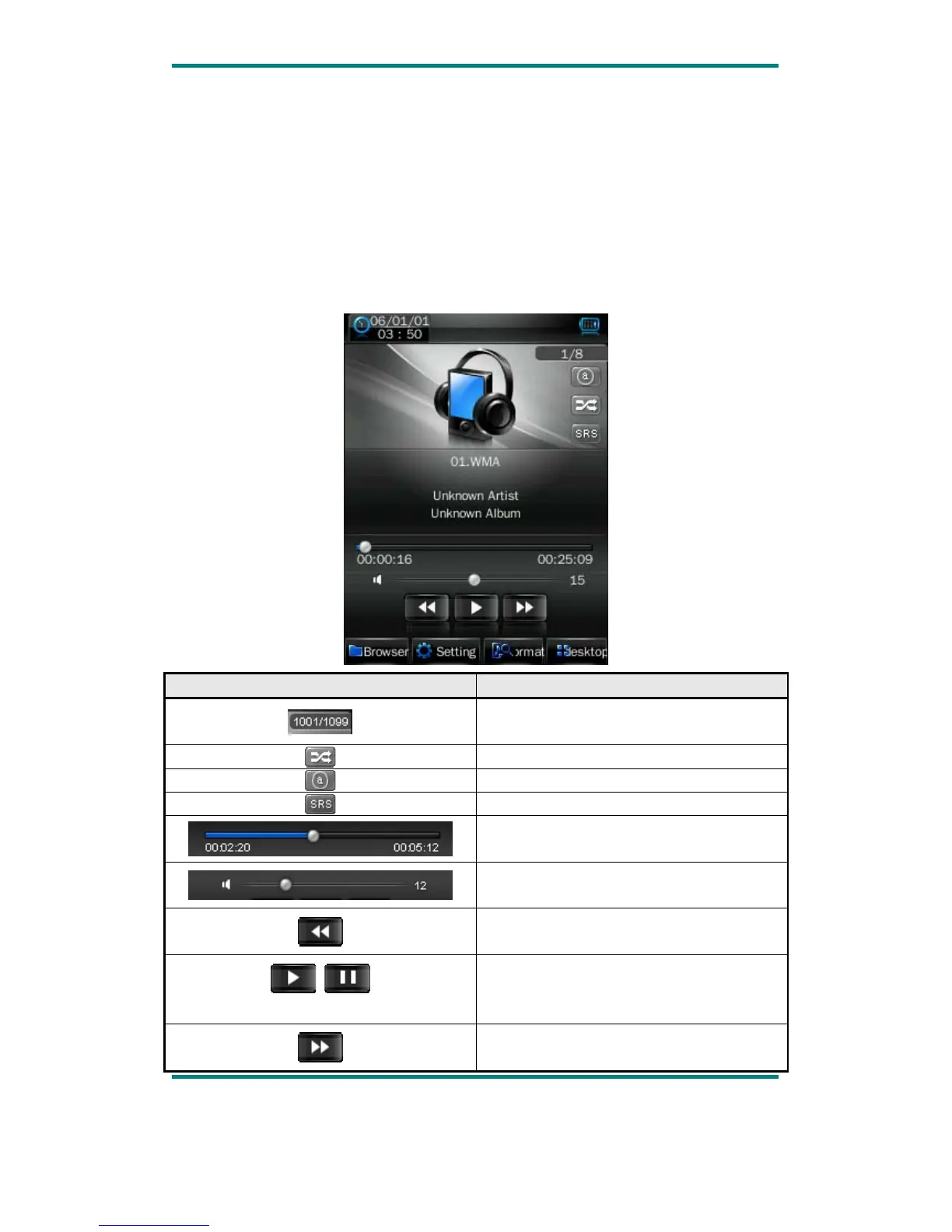
In the main interface, touch the “Music” icon to enter music mode.
Music Interface Description
Version1.0 Page 8
Button /icon Description
Number of the song being played / Total
songs.
Playing mode
Playing sequence
Playing style
Song playing progress bar. Drag the bar
to adjust playing progress.
Volume bar. Drag the bar to adjust
volume.
Touch it to switch to previous song, long
press for fast rewind.
Play / pause the current song. Click the
play button, and the button will be change
to pause button.
Touch it to switch to the next song, press
and long press for fast forward.



 To Next Page