Video Mode
In main interface, click the “video” icon to enter Video mode.
Directly click the video file on the screen to start playing the selected video.
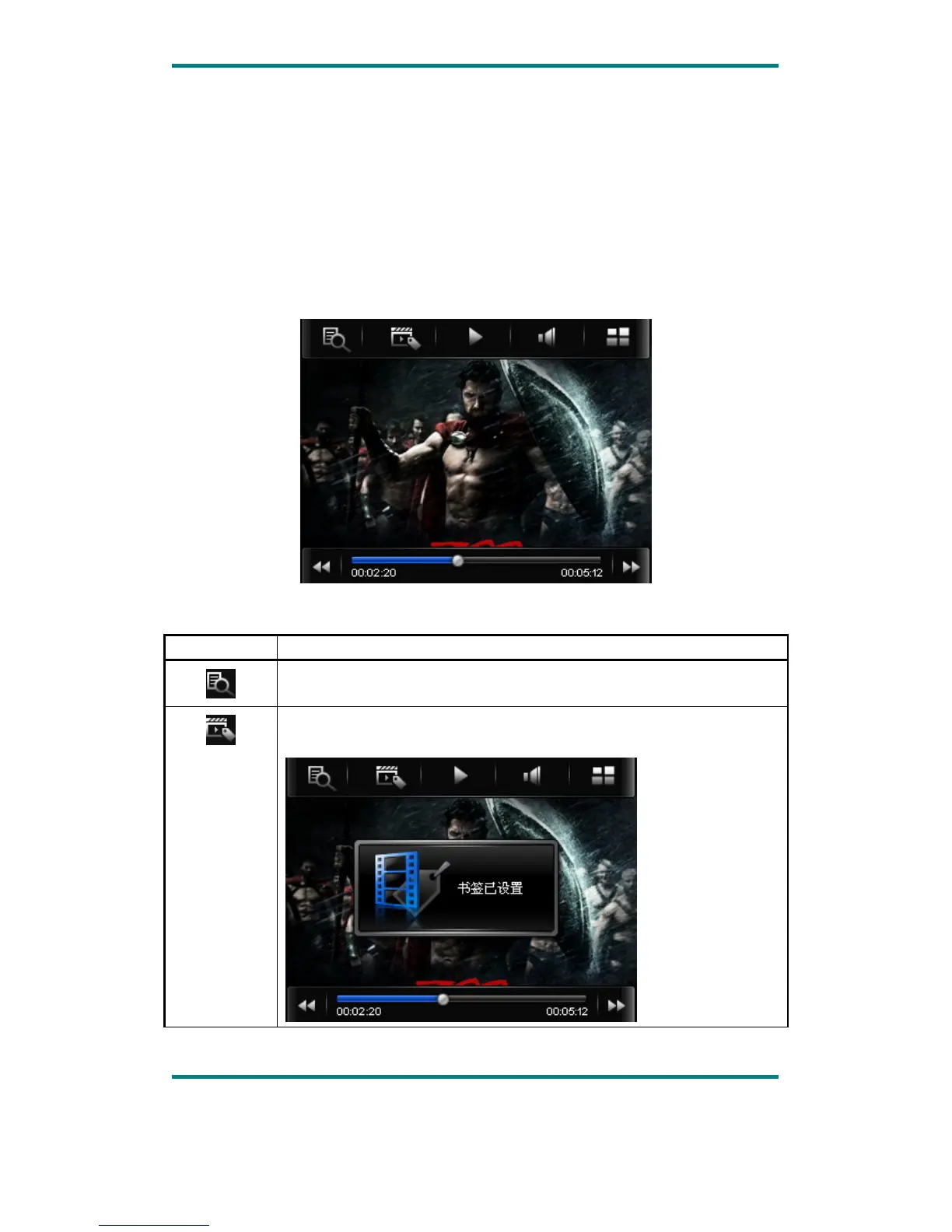
When play a video file, the up/down buttons and the progress bar will appear
automatically by touching the screen.
Button Description
Browse: local directory, card directory, tag list
Tag: directly click the icon and a box pops out and prompts “tag
saved”.
Version1.0 Page 11



 To Next Page