Language
Eleven languages available for selection: English, Simplified Chinese, Traditional
Chinese, Japanese, Korean, French, German, Spanish, Portuguese, Dutch and Italian.
Display
1. Backlight time
Click
and to set.
There are 9 options: 0 second, 5 seconds, 10 seconds, 15 seconds, 30 seconds, 1
minute, 5 minutes, 15 minutes and 30 minutes.
2. Brightness adjustment
There are 5 options: 1, 2, 3, 4, 5. The higher the level is, the brighter the LCD is.
Click the corresponding
to icon to set.
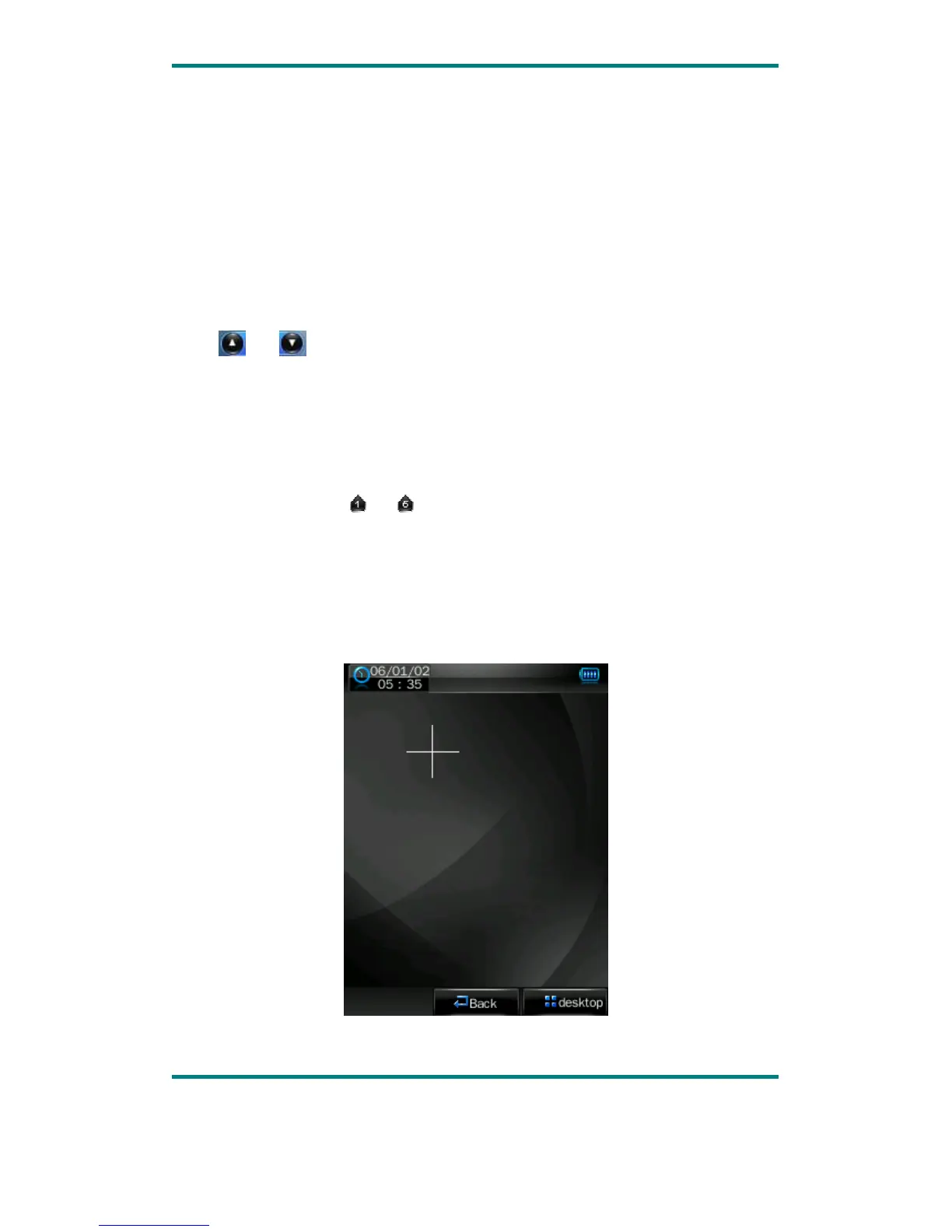
Calibrate
When the touch screen position is not accurate, recalibrate with this function.
After the player enters this mode, touch the center of calibration sign + to calibrate.
egaP 0.1noisreV 21



 To Next Page