Button /Icon Description
Manual browse: click it and it will change to to enter auto
browser mode.
Auto browser time setting: 10 seconds, 15 seconds, 20 seconds, 25
seconds, 30 seconds.
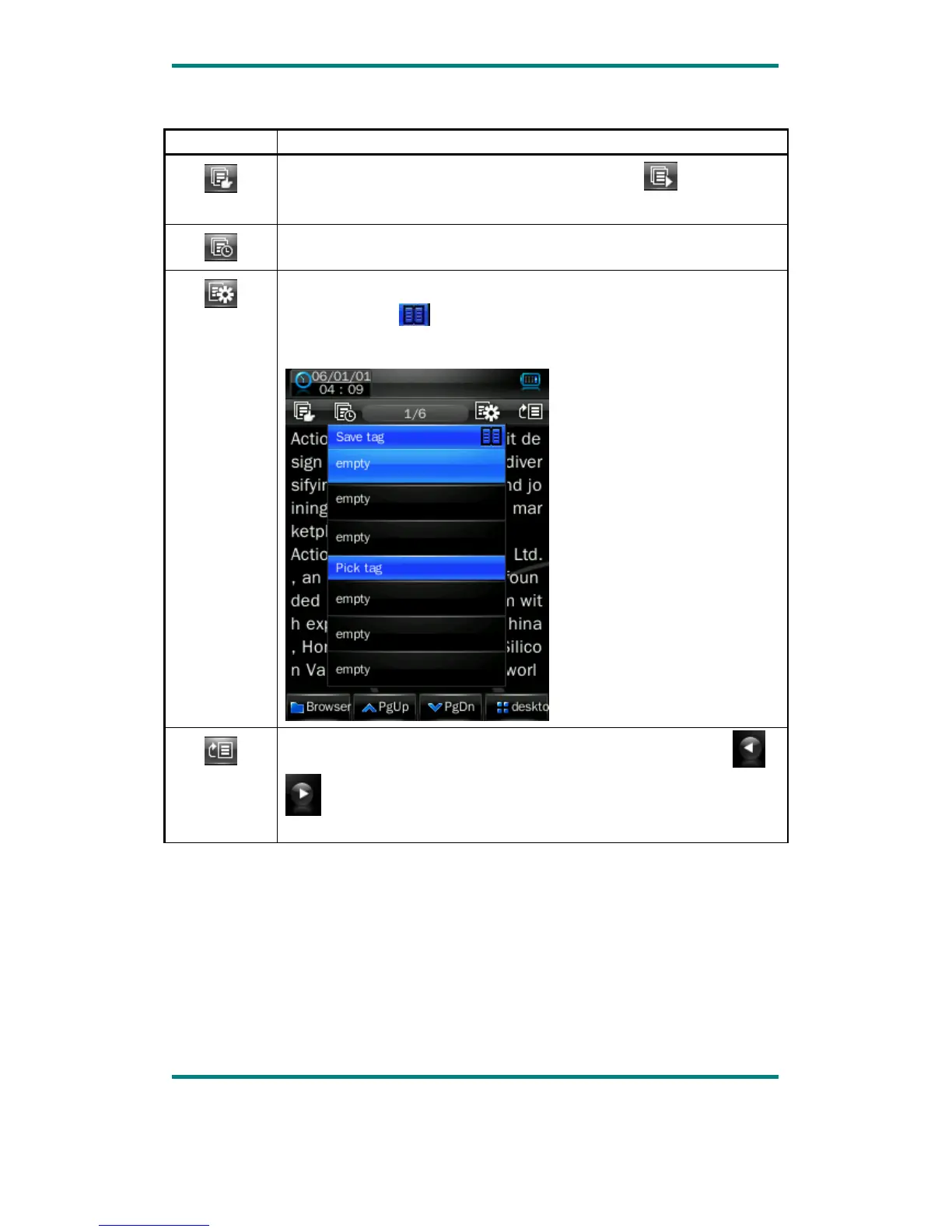
Save and pick tag, click to show the tag list, and then click to save or
select tag. Click
or the part outside Save tag box to exit from the
tag setting box.
Skip to: click to show “Skip to” dialogue box, and click or
to select the skip percentage. Click outside part of the “Skip to”
box to exit.
egaP 0.1noisreV 17



 To Next Page