Using your DAB/FM Digital Radio
Let’s get started
Using your DAB/FM Digital Radio
Menu Options
Sleep Off
10 mins
20 mins
30 mins
60 mins
70 mins
80 mins
90 mins
Backlight Low
Medium
High
Factory reset Initiates reset
SW version Display software version
DAB MODE - RESET
If moving the radio to another location in the country the pre-tuned
and stored DAB stations may no longer be available and it will be
necessary to reset the radio back to the factory settings.
1. With the unit switched on, press the MENU button and the press
the TUNNING (
◄
) or (
►
) buttons until ‘System’ is displayed. Press
the SELECT button to accept.
2. Use the TUNNING (
◄
) or (
►
)
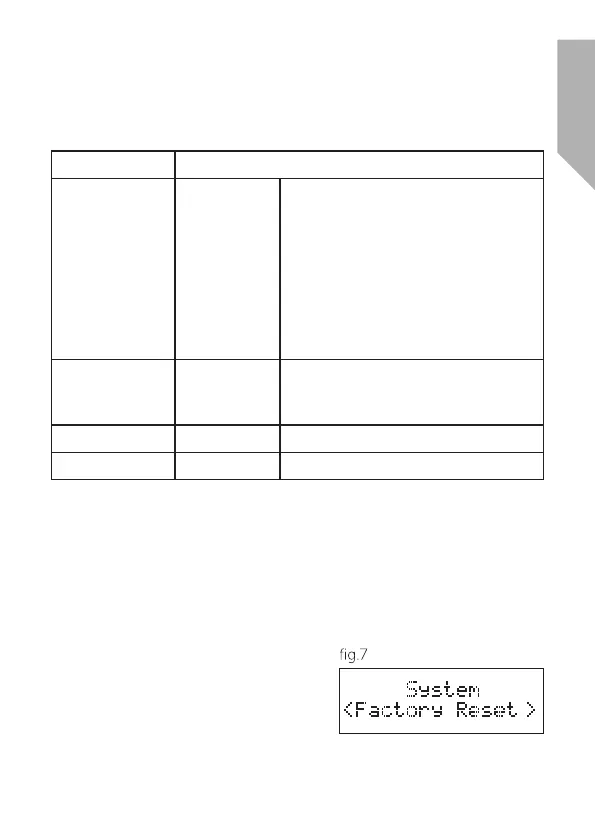
buttons until ‘Factory reset’ (fig.7) is
shown in the display and press the
SELECT button to accept.



 To Next Page