34
If you require any technical guidance or find that your product is not operating as intended, a simple solution can often be found in the Troubleshooting section of these instructions,
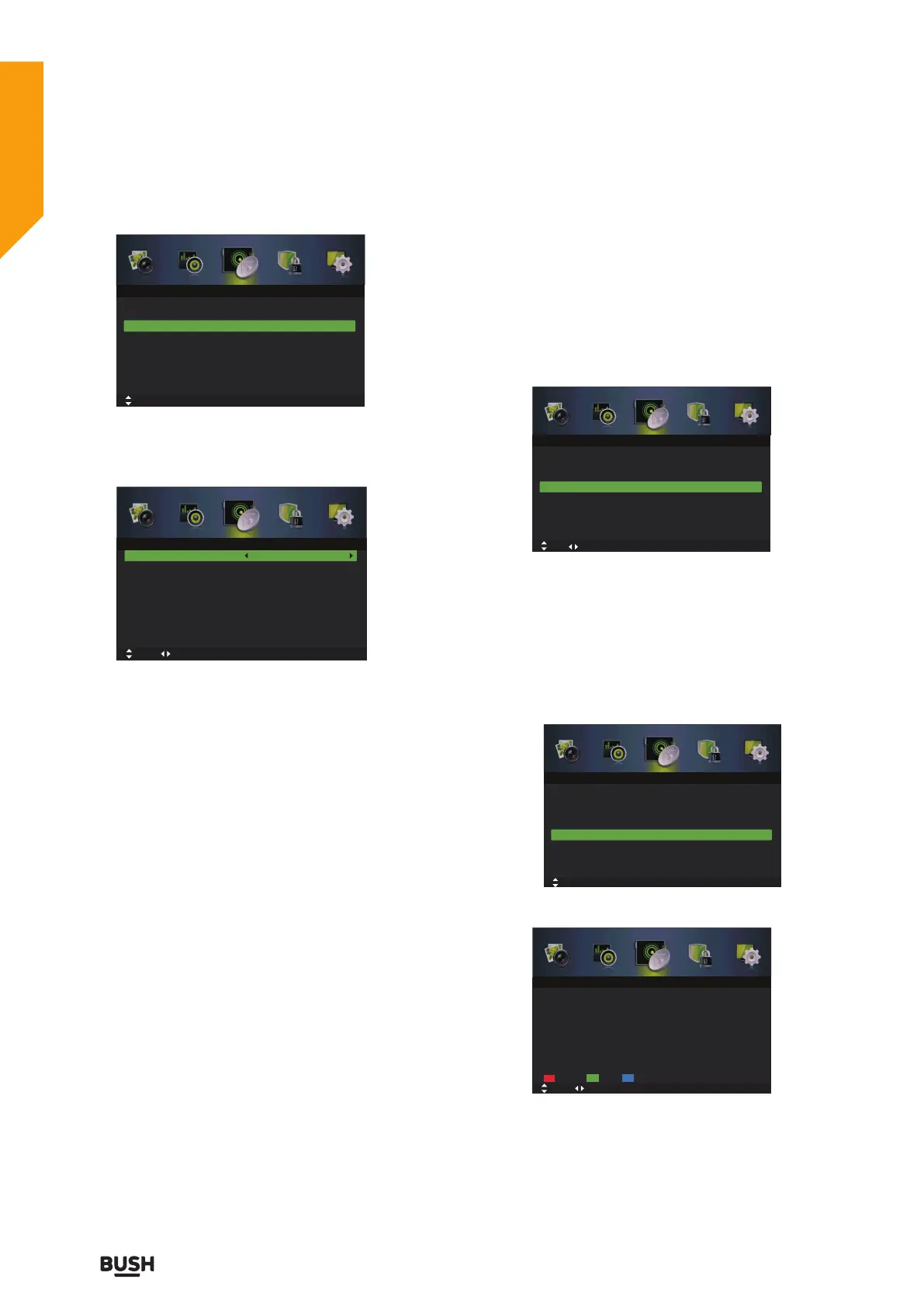
2. Press the
buttons to select Manual Scan and then
press the OK button. On the submenu, select Analog
Manual Scan and then press the OK button.
Analog Scan
Displays the current frequency, press the
buttons to
change the frequency.
Channel to Save
Press the
buttons to select Channel to Save, press
the
buttons to select channel number you want to
store.
Colour System
Press the
buttons to select Colou r System, press
the
buttons to select: Auto / PAL/ SECAM.
Sound System
Press the
buttons to select Sound System, press the
buttons to select: DK/I / BG.
AFC
Press the
buttons to select AFC, press the
buttons to select On or Off.
Start
Press the
buttons to select Start, press the
buttons to start tuning.
Auto Channel Update
1. Press the MENU button to display the main menu.
Press the
buttons to select Channel in the main
menu, then press the
or OK button, it will highlight
the first option.
2. Press the
buttons to select Auto Channel Update
and then press the
button to On or Off.
3. Press the EXIT button to exit the menu.
Channel Edit (DTV mode)
1. Press the MENU button to display the main menu.
Press the
buttons to select Channel in the main
menu, then press the
or OK button, it will highlight
the first option.
2. Press the
buttons to select Channel Edit and
then press the OK button to enter submenu.
Delete
Press the RED button to delete the selected channel.
Skip
Press the GREEN button to select the channels that you
want to skip when you are selecting channels. Press the
GREEN button again to undo it.
Auto Scan
Tuner Type Cable
Off
Manual Scan
Channel Edit
Auto Channel Update
Common Interface
Favorite Manager
Signal Information
Move
OK: Select MENU: Return EXIT: Exit
Channel
Analog Scan
Channel to Save
Colour System
Sound System
AFC
Start
420.25 MHz
CH001
Auto
Auto
Off
Move 0~9 Input MENU: Return EXIT: Exit
Analog Manual Scan
Fine tune
Auto Scan
Tuner Type Cable
Off
Manual Scan
Channel Edit
Auto Channel Update
Common Interface
Favorite Manager
Signal Information
Move Adjust
MENU: Return EXIT: Exit
Channel
Auto Scan
Tuner Type Cable
Off
Manual Scan
Channel Edit
Auto Channel Update
Common Interface
Favorite Manager
Signal Information
Move
OK: Select MENU: Return EXIT: Exit
Channel
Delete
Move MENU: Return EXIT: Exit
Channel Edit
Skip Move
Standard features
Simple everyday use
Standard features



 To Next Page