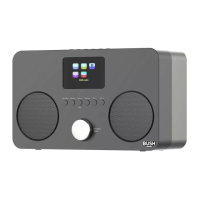
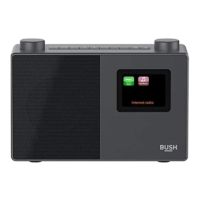
Getting to know your Stereo FM Radio 15
section of these instructions, or online at www.argos-support.co.uk If you still require further assistance, call one of our experts on 0345 600 3021.
Getting to know your Stereo FM Radio
You’ll be up and running in no time
8. Scan
• Short press: Scans up the FM
frequency band.
• Long press: Scans down the
frequency band
9. Dimmer
• Short press: Changes the display
brightness
10. Preset
• Short press: Preset recall
• Long press: Preset store
11. Snooze
• Short press when an alarm sounds:
Activates a 9 minute Snooze
12. Telescopic Antenna
13. Battery compartment
• 4 x AA Batteries (not supplied)
14. Power socket
15. Headphone socket
1. Display
2. Rotary tune control
• Adjusts the FM frequency band in
0.05MHz steps
• Displays Alarm and Preset selection
options.
3. Rotary volume control
• Clockwise: Increases the volume
• Anti-clockwise: Decreases the
volume
4. Power button
• Short press: Power on
• Short press: Preset off
5. Time set
• Long press: Set the time
• Short press: Saves the time settings
6. Sleep
• Short press: Set the Sleep time
7. Alarm
• Long press: Set Alarm 1 or Alarm 2
• Short press: Saves the alarm
settings



 To Next Page