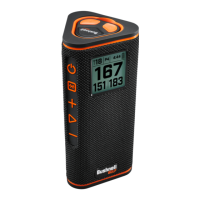
4
Click to Return to the Table of Contents
CONNECTING YOUR WINGMAN 2 TO YOUR MOBILE DEVICE & BUSHNELL GOLF MOBILE APP
To connect your Wingman 2 to your phone and the Bushnell Golf Mobile app:
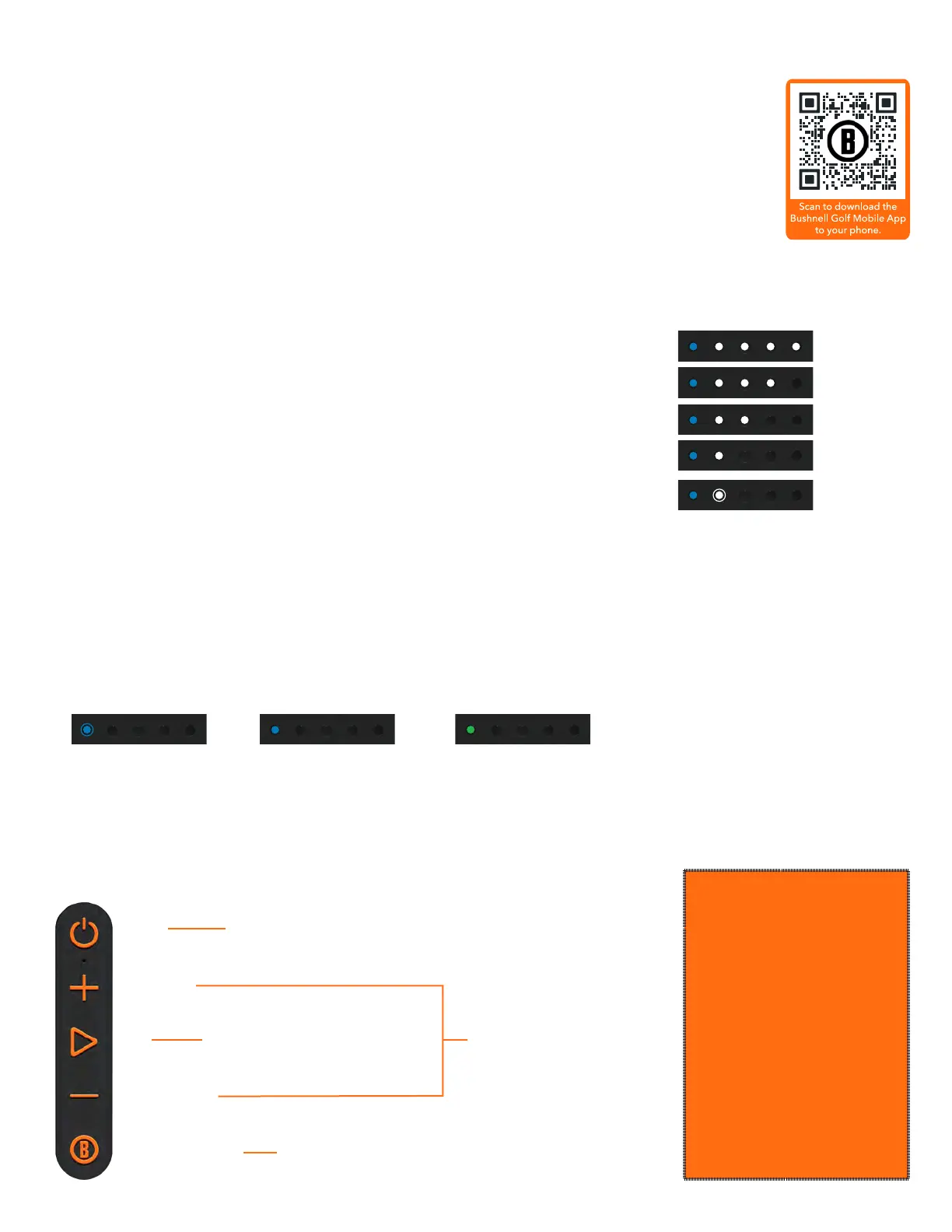
• Download the Bushnell Golf mobile app at app.bushnellgolf.com/install or scan the QR code.
• If you are new to the app, you will be asked to set up a device after registration and select
Wingman 2. As a returning user to the app, select “See All” from “My Devices”, click “Add Device”,
and select Wingman 2 from the list of Bushnell Golf devices.
• Follow the app’s on-screen instructions to pair and connect your Wingman 2 speaker and remote.
Note: After pairing, the Bluetooth on/off state will be the last set state once powered up.
POWER UP OPERATION
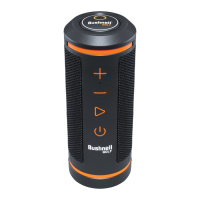
1. Connect the provided USB-C charger to the USB-C input port at the bottom to
charge Wingman 2’s internal lithium-ion battery.
2. To see the battery’s charge, see the indicator lights at the bottom of the speaker. A
fully charged battery will provide fourteen-plus hours of operating time at a normal,
moderate volume level.
3. The USB-A output port can recharge your phone or other accessories. Note: using
the Wingman 2 to recharge mobile devices will reduce the speaker’s battery level
and operating time.
4. Hold the Power button on the Wingman 2 until the startup sound is heard and
release.
BLUETOOTH™ PAIRING TO MOBILE DEVICE
1. To pair the device with a mobile device, ensure the Wingman 2 is within 10 meters/32 feet from your device. Then,
register and pair the device with the Bushnell Golf Mobile App for complete functionality of the Wingman 2. Refer to
the “Connecting Your Wingman 2 to Your Mobile Device and the Bushnell Golf Mobile App” instructions above.
2. To set up audio only, press and hold the Bushnell® Button on the speaker for three seconds until the blue blinking
light on the front of the speaker appears for pairing mode. Go to the Bluetooth settings in your device and select
“Wingman 2 Audio” to pair.
Note: when powered on, the speaker automatically reconnects to the last mobile device it was paired with. The speaker can memorize up to 8 paired
devices and will shut off after 15 minutes in pairing mode if no devices have been paired. This is a power-saving feature.
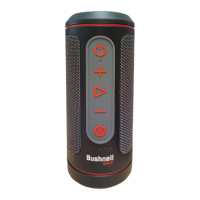
WINGMAN 2 BUTTON FUNCTIONS - MUSIC MODE
ON/OFF
VOLUME UP
PLAY
VOLUME DOWN
BUSHNELL® BUTTON
• PRESS & HOLD TO POWER ON
• 2 CLICKS: TOGGLES TWS MODE
PRESS & HOLD FOR BLUETOOTH PAIRING MODE
• 1 CLICK: PAUSE/PLAY
ANSWER/END PHONE CALL
• 2 CLICKS: NEXT TRACK/SONG
• 3 CLICKS: PREVIOUS TRACK/SONG
PRESS VOLUME BUTTONS
TOGETHER TO TOGGLE BETWEEN
INDOOR/OUTDOOR MODE
BATTERY LIFE INDICATOR
100% - 75%
75% - 50%
50% - 25%
25% - 10%
BLINKING
LESS THAN 10%
BLUETOOTH PAIRING
BLUE BLINKING
BLUETOOTH CONNECTED
BLUE SOLID
BUSHNELL® APP CONNECTED
GREEN SOLID
The Wingman 2 has a
microphone that allows
you to take incoming
calls while connected to
your mobile phone via
Bluetooth.
• To answer an incoming
call, briey press
the Play button.
• To reject an incoming call,
press and hold the
Play button.
• To end a call, press the
Play button.


 To Next Page