Click to Return to the Table of Contents
FIRST TEE INTRODUCTION SETUP
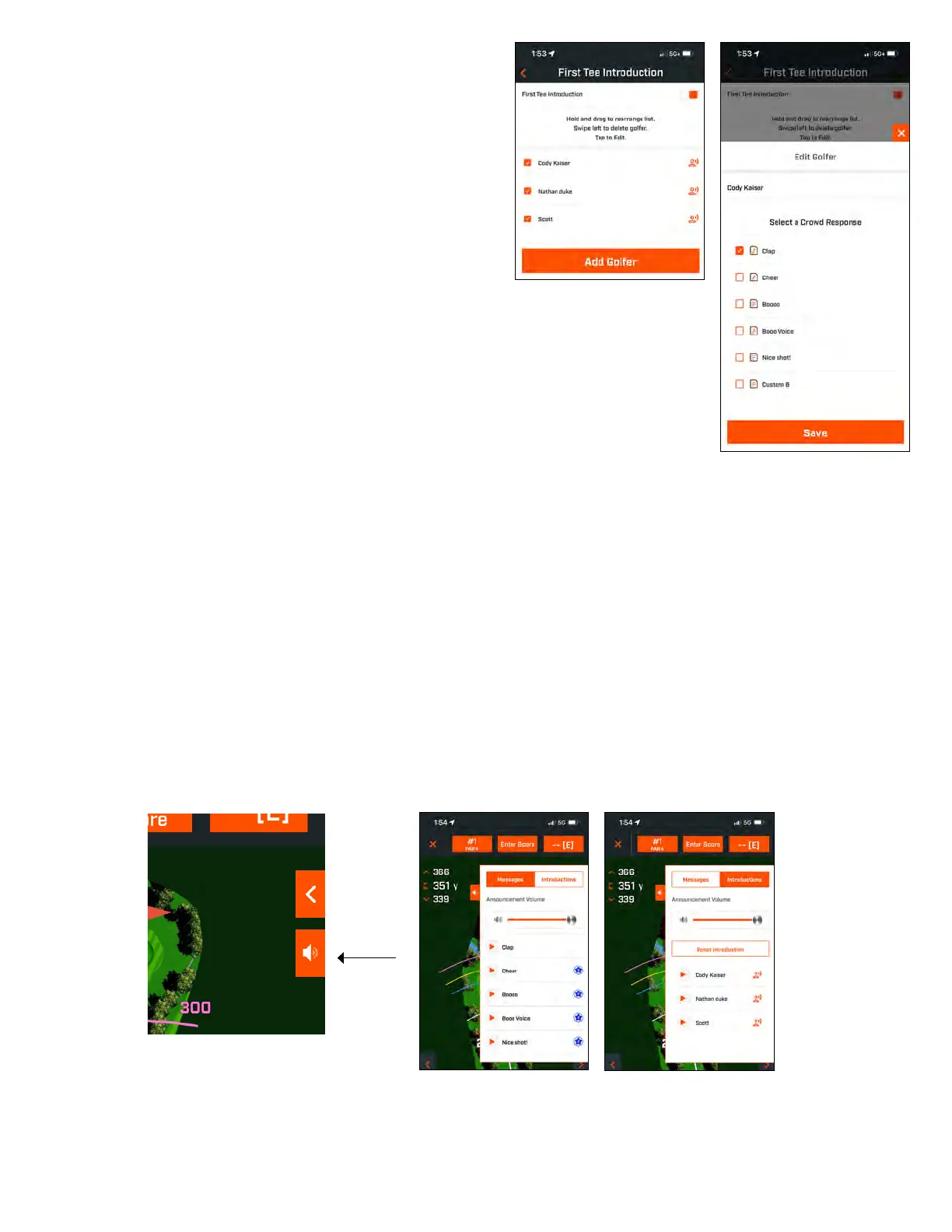
1. Enable First Tee Introductions in Round Setup.
2. Tap Add Golfer to add a new player.
3. Tap Name to change a player’s name.
4. Tap Speaking icon on the right of the player’s name to edit
the crowd response for the player’s introduction.
5. Tap Start Round at bottom of screen to begin.
FIRST TEE INTRODUCTION & CUSTOM SOUND BITES IN ROUND
1. Tap the Speaker icon on the upper right of the screen to access Sound Bites and Introductions.
2. The Announcement Volume for Sound Bites and First Tee Introductions can be adjusted here.
3. Custom Sound Bites can be played individually by tapping the Play button to the right. Also, see the “Favorite”
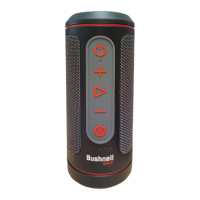
designation for the Sound Bite. For example, click the remote Bushnell Golf button once if the Sound Bite is “Favorite
One”. If the Sound Bite is “Favorite Two”, click the remote Bushnell Golf button twice.
on page 6.
4. First Tee Introduction engages when the round is set near the starting hole tee box. Tap the Bushnell Golf button on
the remote to start First Tee Introductions. Then tap the button after each player’s announcement to move to the next
player.
5. Tap on the Speaker icon to access Introductions. Click on Restart Introduction to reset the First Tee Introduction
sequence.
6. Tap the Speaking icon to change the Crowd Response for that player’s First Tee Introduction.
Speaker icon: access to Messages
and First Tee Introductions


 To Next Page