17
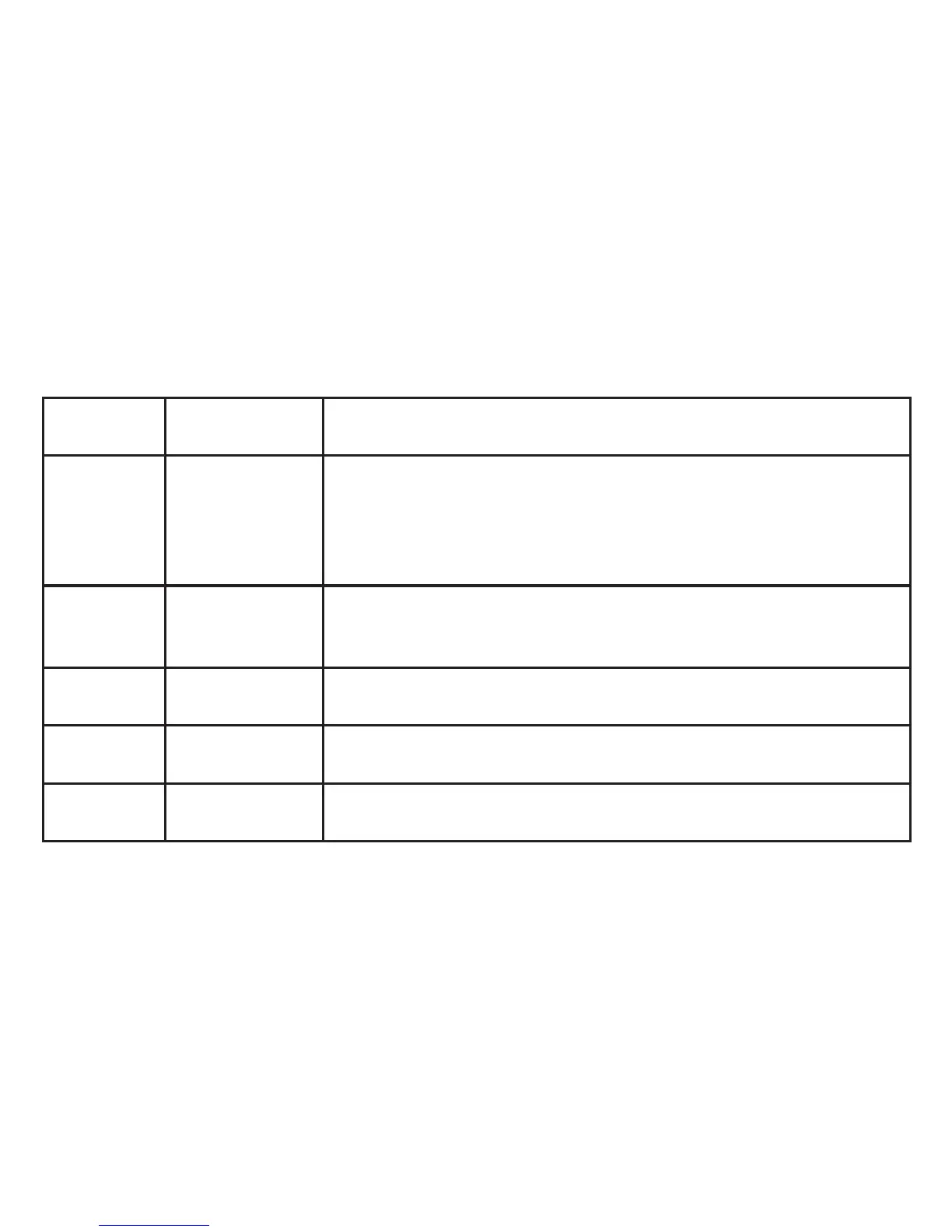
Parameter Settings
(Bold=Default)
Function/Description
Language English, French,
German, Italian,
Spanish, Portuguese,
Chinese 1, Chinese 2,
Japanese
Selects language used for all menu screens.
Auto O 1 Min, 3 Min, 5
Min, O
Selects elapsed time after last button press before camera shuts o to conserve battery power.
Select “O” to cancel (power stays on unless camera is manually turned o by holding Mode/
Power button)
Sys. Reset Cancel, Execute Press OK. Select “Execute” and press OK to restore all settings for all options (in all menus) to
their original factory default settings.
Light Freq 60 Hz, 50 Hz Set to the AC line frequency used in your country. Primarily aects images shot under uorescent
lighting.
Date Input O, Set Select “Set” and press OK to set the year, month, day and time. See “Time Stamp” in the Capture
Menu.
SETUP MENU



 To Next Page