9
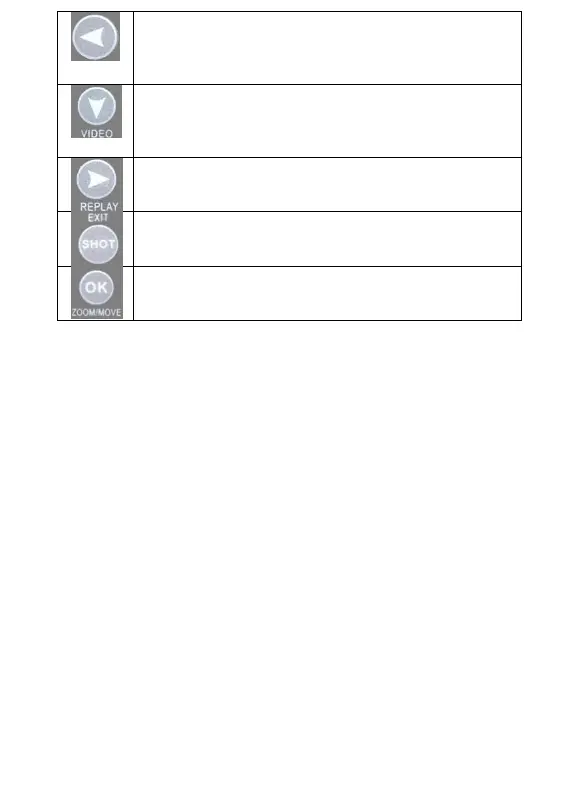
Left, Switch the parameters; on “REPLAY” mode to
check the previous image (only available on Replay
mode).
Down, Quick switch to Video mode. “ZOOM” mode to
shrink the picture; “MOVE” mode to move the picture
down.
Right, Switch the parameters; Replay mode, Check the
next one (only available on Replay mode).
Shot, Manually take photos or videos (only available on
Test mode), EXIT.
Ok, Selected and entered function; in “REPLAY” mode
have the function of “ZOOM”/ “MOVE”.
3.12 Power/Mode Switch
OFF: to turn off the camera.
TEST: to set operational parameters.
ON: to work under surveillance status.
3.13 DC Port
External DC power supply, please use 6V/2A power adapter,
the same specifications of the solar power can also be used as an
external power supply access.
3.14 USB/TV Cable Port
The camera configuration has two cables. When the computer
connect the USB cable, the camera can be identified as a USB
device, the computer can read the camera SD card file; when the TV
or external monitor through the TV cable port, the camera's display
will be closed, the TV Or an external monitor is used as a display.
3.15 SIM Card Slot (Not available for this model)
3.16 Speaker
When replay video, it can play sound. While operate the
keyboard the speaker can send a “beep” sound, and this can be
turned off from menu set.



 To Next Page