11
4 Menu Function
Press “MENU” key to enter the menu, press ▲, ▼ key to
move the cursor to select various function options, “OK” key to
confirm. Press “REPLAY” to enter playback mode. Press the “EXIT”
key to return to the previous menu or exit the menu.
4.1 Image:
4.1.1 Mode:
For modes: camera, video, camera + video, monitoring.
“camera + video” mode: first take picture then video.
Monitoring mode is only available in “ON” mode, and the
camera shoots video continuously according to the user-set video
length.
4.1.2 Image Size
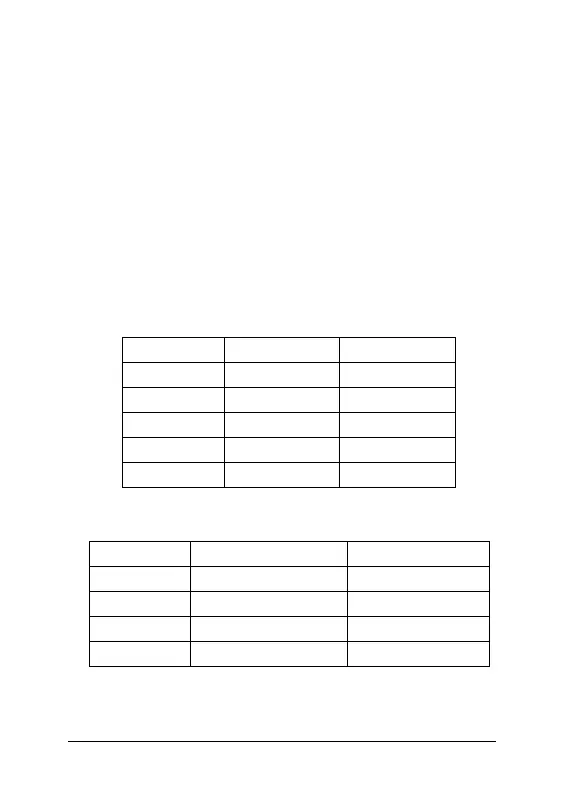
Five options: 12MP is the default size
Photo Size Resolution File Size
3MP 1536×2048 395KB
5MP 1944×2592 675KB
8MP 2488×3264 915KB
12MP 3024×4032 1.25MB
16MP 3480×4640 1.55MB
4.1.3 Video Size
Four options for video size, and 1080P is the default.
Video Size Resolution Size of 10s Video
VGA 640×480@30fps 6.8MB
WVGA 800×480@30fps 7.9MB
720P 1280×720@30fps 10MB
1080P 1920×1080@30fps 21MB
4.1.4 Shooting No.
When shooting, users can set up for 1-6 consecutive pictures
Note: Camera can only shoot three consecutive when resolution is



 To Next Page