7
Shenzhen C-Data Technology Co., Ltd.
Marketing@cdatatec.com +86-755-26014509
both sides.
If you use GE copper interface, cable specification: Category 5 cable or Category5 super
cable with RJ45 connector at both sides45
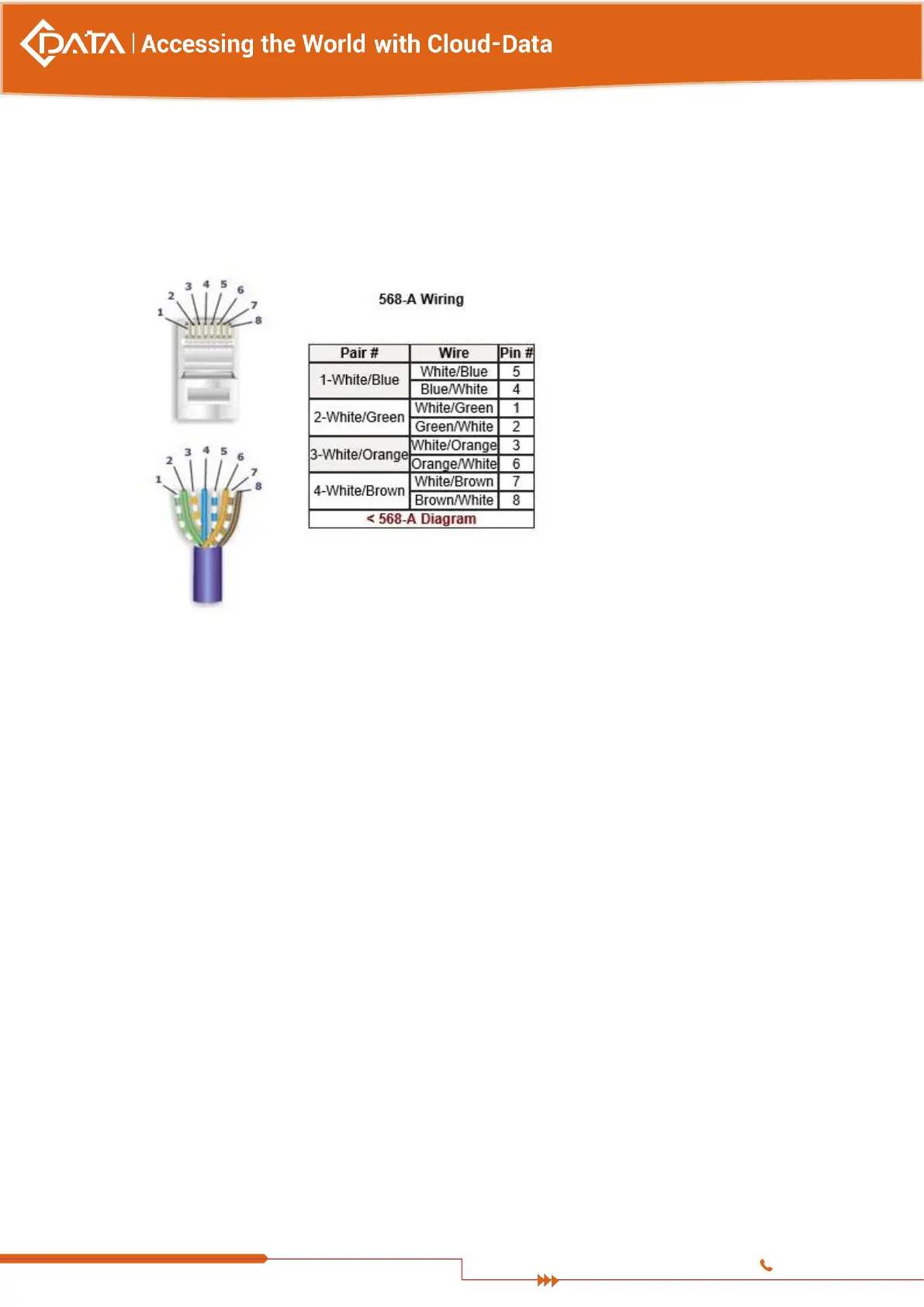
The below the reference for making STP (Shielded Twisted-Pair) cable with
RJ45connector at both sides
3.4.2 PON Port Connection
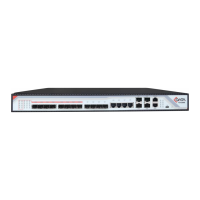
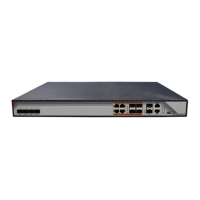
This Device support sixteen GPON SFP slots, every SFP GPON slots can mount a GPON
SFP module and provides one PON port.
Caution: When insert into optical cable, please confirm the connector is inserted
into the correct position, thus guarantee the good contract.
SFP PON slots installs standard ITU-TG.984.2Class B+ or ITU-TG.984.2Class C+OLT SFP .The
OLT SFP interface is SC/PC. Please use the patch cord with SC/PC connector to connect
between the OLT and the ODN networking .
3.4.3 Ground Cable Connection
Ensure the safety and reliable working of OLT. This device should be connected with the
ground if necessary. Grounding screws are located in the rear panel. While connecting,
you should use screwdriver to loosen the grounding screw first, then connect the ground
cable, finally tighten the screws.
3.4.4 Management Port Connection
This OLT equipment provides console interface (marked as “CONSOLE” RJ45 type port)
and MGMT management internet access (marked as “MGMT” RJ45 type port).


 To Next Page