11
The Main menu
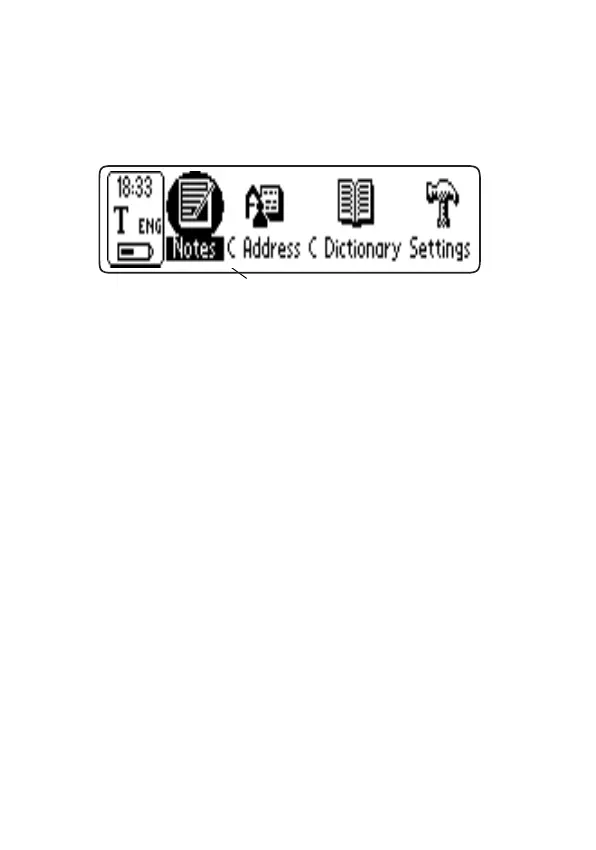
The Main menu is what you see when you turn C Pen on.
It displays C Pen’s different applications.
Notes contains the collected texts; see p. 17.
C Address is an address book, where you can store and
search for information about your contacts; see p. 36.
C Dictionary is an application where you can translate
words from one language to another; see p. 43
Settings contains parameters you can change like power-
off time and reading options; see p. 30.
C Direct contains information on how to enter text from
C Pen directly into Windows program by infrared
communication; see p. 55.
Info contains information like C-Pen’s serial number, OS
version number, free memory space, etc; see p. 35.
Storage is a storage area that can be used like a floppy
disk when C-Pen is connected to a PC. In Storage you
can store any kind of file. See Connecting to a PC, p. 51.
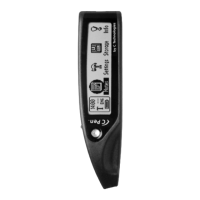
Move the cursor using Nav. Press Nav to start an applica-
tion.
Move the cursor
with Nav


 To Next Page