22
C Pen
C Write
C Write is a feature that allows you to draw characters by
using C Pen as an ordinary pen. C pen can track its own
movement over a surface and recognize the movement as
a letter, digit or a symbol. Using C Write is an alternative
to using the character frame when inserting characters in
a text.
To be able to use C Write, the surface you “write” on
must have a distinct pattern. A printed text is the best
choice.
Use C Write in the following way:
1. Enter edit mode
2. Place C Pen against a text surface
3. Press and hold Trigg
4. Form a letter (see the prototypes, p. 25)
5. Release Trigg
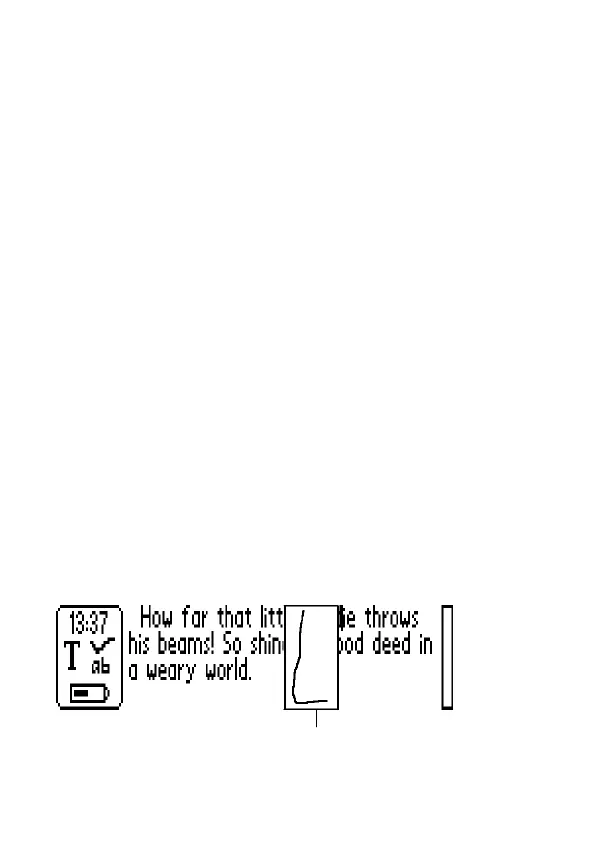
When you release Trigg an image will shortly turn up,
showing the letter shape as perceived by your C Pen. You
do not have to wait for this image to disappear to write
your next letter.
Visual feedback


 To Next Page