39
Contact view screen
A file name must not be longer than 64 characters.
Invalid characters like ‘\’ or ‘.’ will be replaced with a
blank space. If the file name already exists, a number
suffix will be added to the file name, for instance ‘John
Mill (1)’ if ‘John Mill’ already exists.
To save the contact file, select Ye s and press Nav. A new
contact is added to your contact list.
View a contact
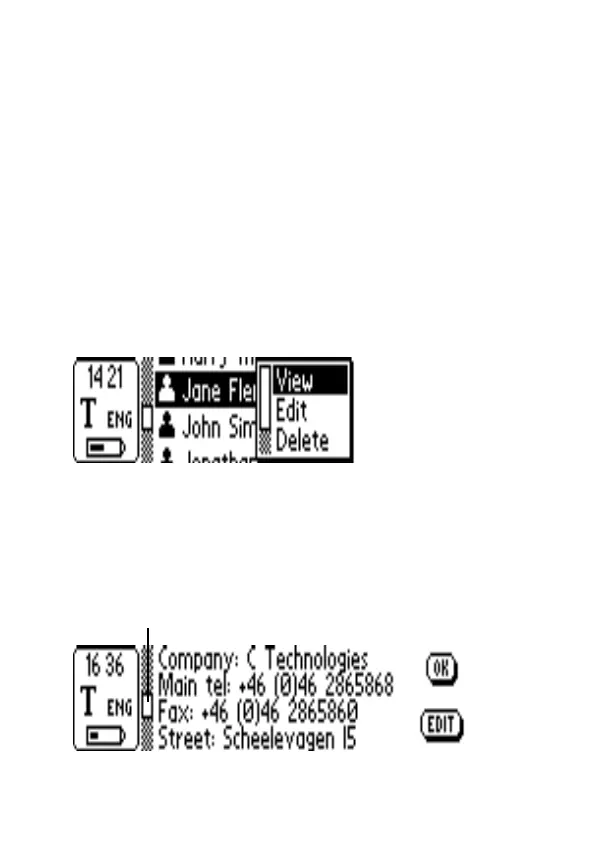
Select a contact in the contact list and press Nav. You
will see the following menu:
To view a contact, select View and press Nav. The
contact information is presented in the Contact view
screen. At opening the scroll bar is selected. Press Nav to
activate it. The rectangle starts blinking and you are able
to scroll through all contact information.
Blinking when activated


 To Next Page