14
C Pen
Reading text
Please follow the instructions in this chapter in order to
get the best results from your C Pen. Take a few minutes
to learn how to use C Pen correctly.
To read a line, follow the steps below.
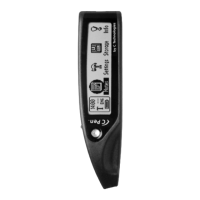
1. Turn C Pen on. Make sure that the text settings are set
for the appropriate values. The text settings are Text
Quality, Text Language and Read Mode. There is
also a possibility to calibrate C Pen for best perfor-
mance. Refer to Settings, p. 30, to read about the
different settings and how to
modify them.
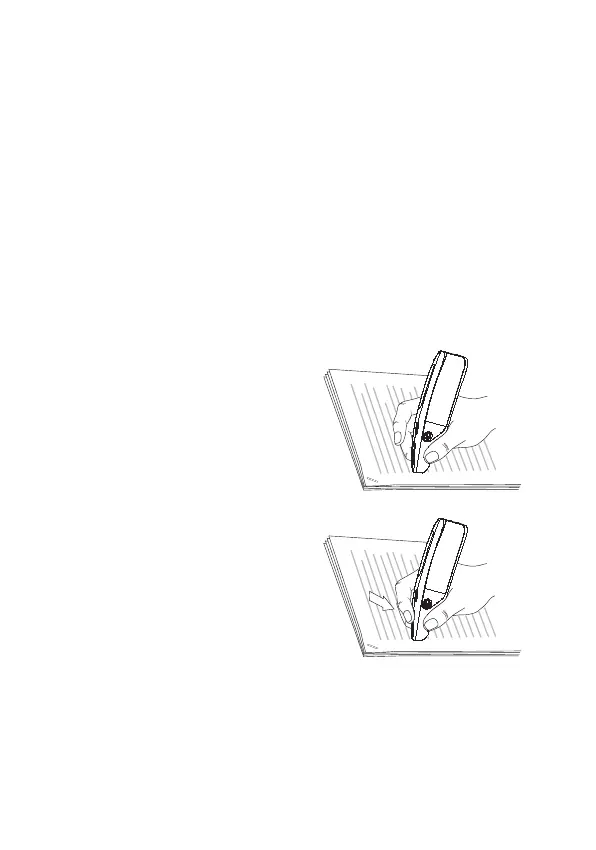
2. Place C Pen over the first
character you want to read.
Hold C Pen with the nose
opening flat against the
surface. Aim at the center of
the line. C Pen reads one line
at a time.
3. Press and hold the trigger.


 To Next Page