32
C Pen
Calibration
C Pen’s reading ability can be adjusted to the present
contrast between the text and its background in the
following way:
1. Hold C Pen with the pen tip flat against the surface.
2. Press Trigg for two seconds without moving C Pen.
3. A progress indicator appears on C Pen’s screen.
4. Move C Pen over the text, in circles or back and forth.
Continue to move C Pen until the progress bar has
reached the end.
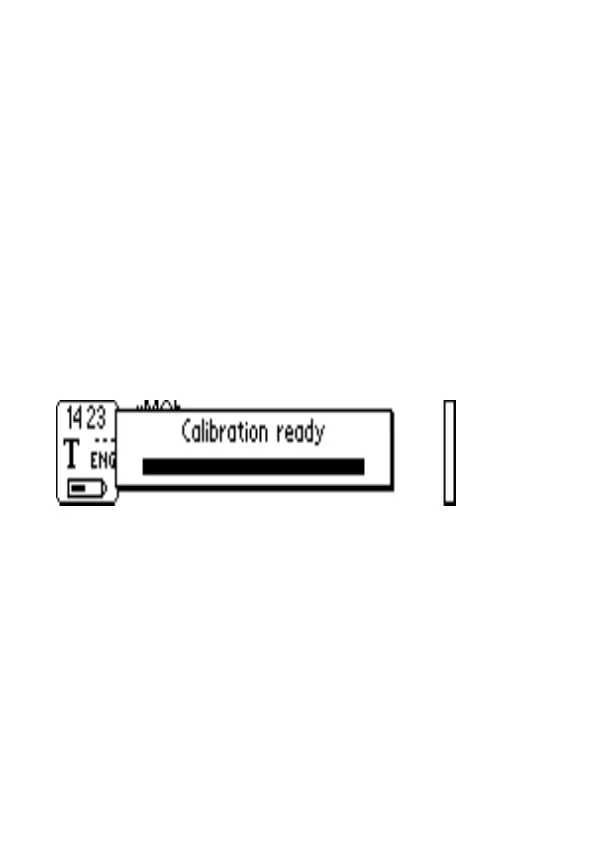
5. A message shows up to indicate that the calibration is
ready:
During the calibration process, C Pen will find the
appropriate balance of black and white for the particular
surface.
The calibration overrides factory setting. The calibration
is not saved when C Pen is turned off. If you want to
revert to the factory setting without turning C Pen off,
choose Calibration under Text menu/Settings or Edit
menu/Settings:


 To Next Page