52
C Pen
file does not help, please refer to C Pen Windows
Software Help or your notebook’s retailer or manufac-
turer.
To install C Pen Windows Software:
1. Put the C Pen Software CD into your computer’s CD-
ROM drive and the installation program will start
automatically.
2. If the installation does not start, open the Start menu in
the Windows taskbar, select Run and type
d:\setup.exe, where d: is the drive letter for your CD-
ROM drive.
3. To install C Pen Windows Software, click on Install C
Pen.
To install Infrared drivers, click on Install Infrared
(Windows 95 only).
The installation program also enables you to view the C
Pen Demo, which demonstrates how you should use C
Pen for best results. To play the demo, click on Demo.
To open the ReadMe file, click on ReadMe.
To connect C Pen to your PC, position C Pen so that it is
aligned with the PC’s IR port as shown in the figure (if

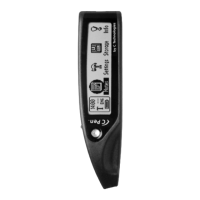

 To Next Page