18 18
6.3 Cleaning the Printhead
Cleaning intervals: direct thermal printing - every media roll change
thermal transfer printing - every ribbon roll change
Substances may accumulate on the printhead during printing and adversely affect printing, e.g. differences in contrast
or vertical stripes.
Attention!
Printhead can be damaged!
Do not use sharp or hard objects to clean the printhead.
Do not touch protective glass layer of the printhead.
Caution!
Risk of injury from the hot printhead.
Ensure that the printhead has cooled down before starting cleaning.
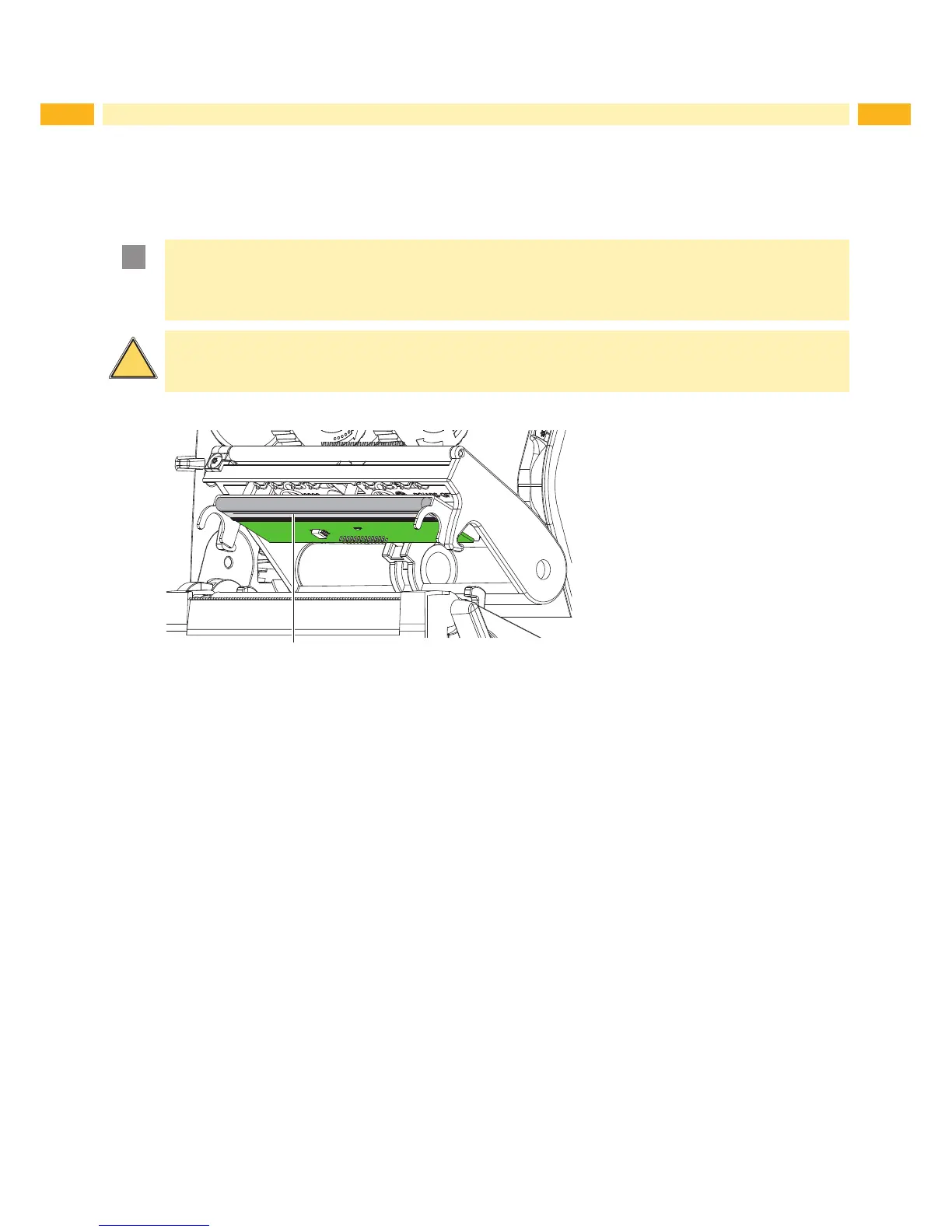
Figure 16 Heating line of the printhead
Open the printhead.
Remove material and transfer ribbon from the printer.
Clean the printing line (1) with special cleaning pen or rubbing alcohol and a soft cloth.
Allow printhead to dry for 2–3 minutes before commencing printing.
6 Cleaning



 To Next Page