9030920 E6 Introduction
1-7
Accessing SPECTRUM Views
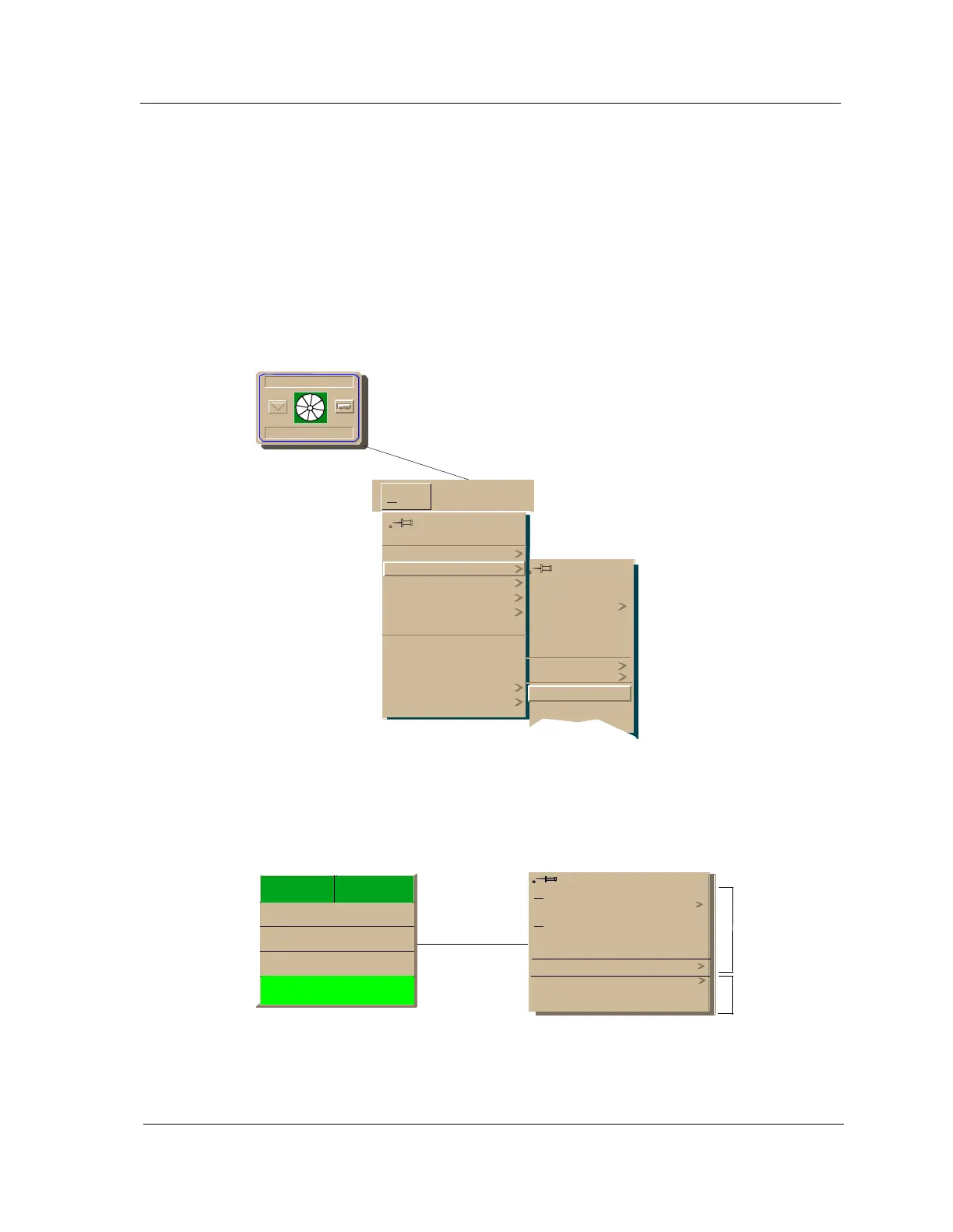
To access the Icon Subviews menu as shown in Figure 1-2 and Figure 1-3, do
the following:
1. Highlight the icon or label.
2. From the View menu, select Icon Subviews, or click and hold the
applicable mouse button (middle or right) over the icon or label. Refer to
the Icons documentation for information on configuring your mouse.
Figure 1-2. Accessing Icon Subviews Menus from the Device Icon
Figure 1-3. Accessing Icon Subviews Menus from Labels
Model Name
Hub_SynSer3xxx
Go Back
Go Up
Icon Subviews
View Path
New View
Bookmarks
View History
Current View Info...
Notes...
Jump by name...
Zoom
Map Hierarchy
Close
Navigate
Alarms
Performance
Notes...
Utilities
Zoom
Device
DevTop
View
Ctrl+b
Ctrl+c
Close Ctrl + c
Navigate
A
larms
Performance
Notes...
Utilities
Configuration
Model Information
Common
Device-Specific
t1
ISO88025
0:0:1D:52:CF:F2
0
ON



 To Next Page