Bridge Device View
Token Ring SmartSwitch Module
2-12 Management Module Guide
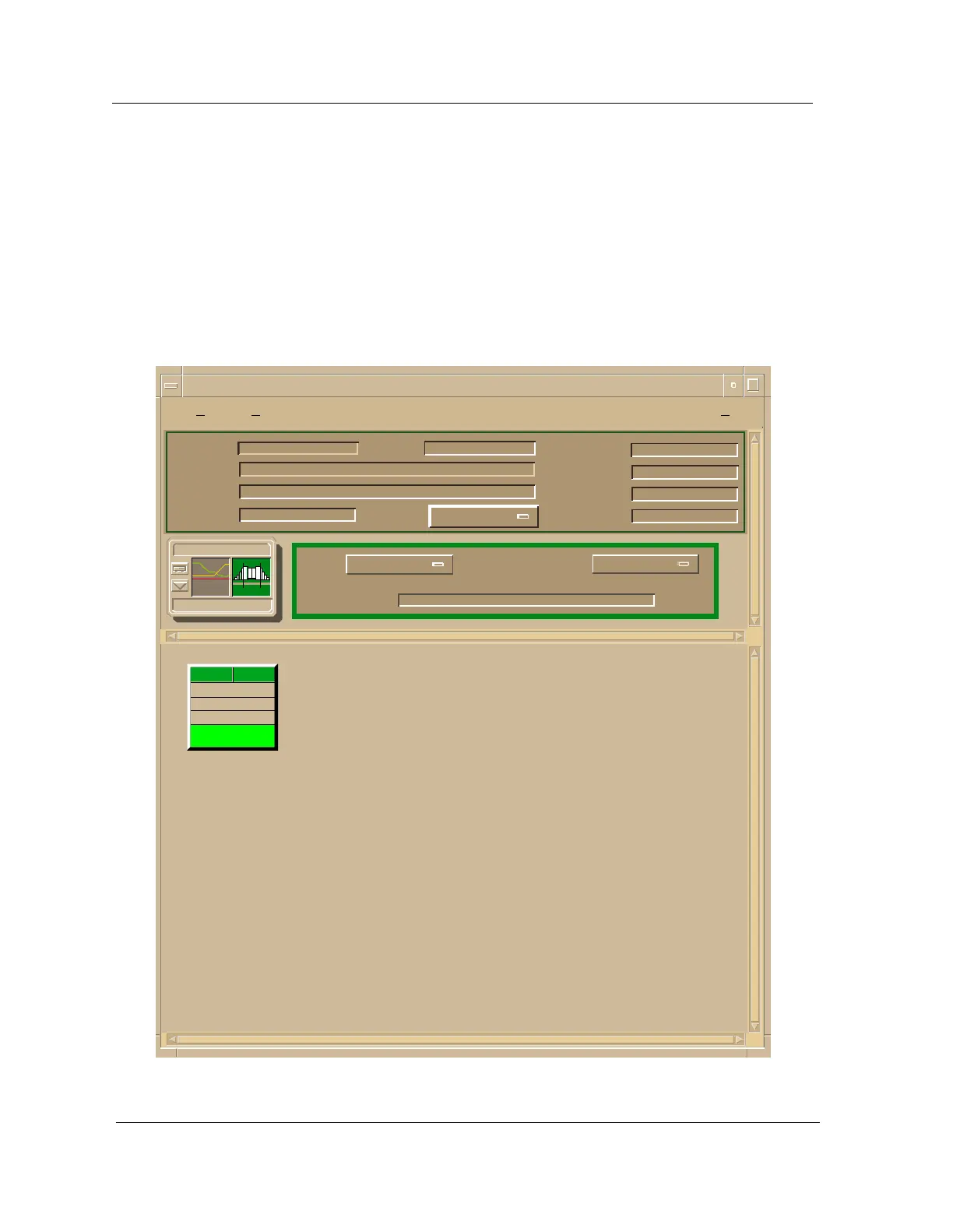
Bridge Device View
The SynOptics 332xS Bridge Device view provides dynamic configuration and
performance information for the bridge interface. If the configuration changes,
SPECTRUM modifies the Device view after the next polling cycle to reflect the
new configuration. Figure 2-6 provides an example of the Device view.
Figure 2-6. Bridge Device View
Example of type BdgSyn332xS of Landscape daedalus:Primary
Model Name
Contact
Description
Location
Net Addr
Prime-App
Sys Up Time
Manufacturer
Device Type
Serial Number
Find
Interface Description
Network Information
ADDRESS
Physical
Model Name
BdgSyn332xS
ON
Ethernet
0:0:1D:17:2F:3C
0
1
IP Address
*
File View Help?



 To Next Page