9032209 E1
2-17
Bridge Device View
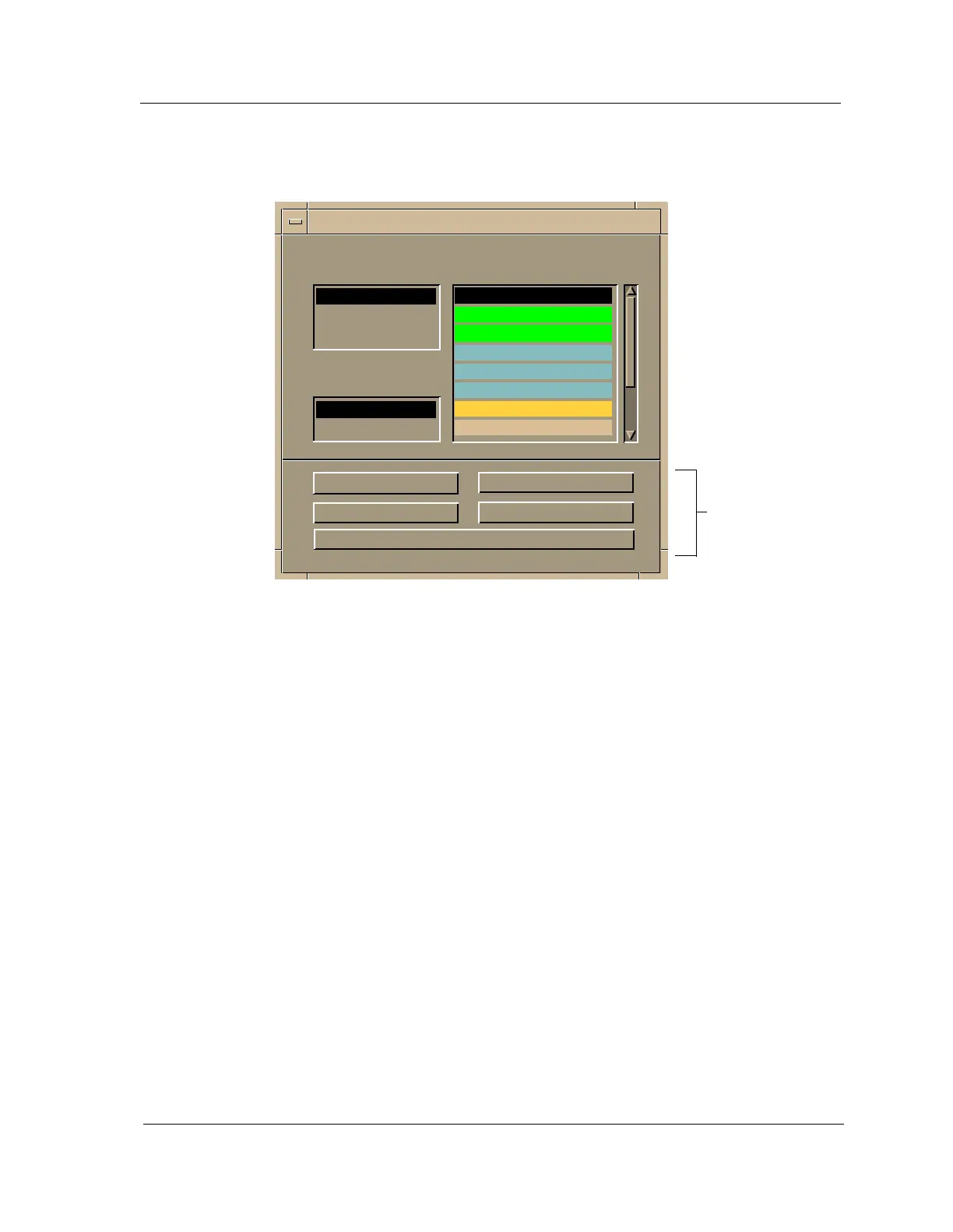
Figure 2-8. Gauge Control Panel
The Gauge Control Panel provides the following:
•Gauge Mode
• Selected Attribute
•Gauge Type
• Gauge Buttons
Gauge Mode
This area allows you to select the type of information shown on the Gauge
Label of the Interface icon: Rates, Totals, or Percentages. The Percentages
selection displays the percentage of the selected interface compared to the rest
of the interfaces.
The color displayed on the Gauge Label depends upon the particular mode
and statistical attribute selected. Table 2-9 and Table 2-10 list the attributes
and their corresponding colors for the Rates mode and Totals mode,
respectively.
Gauge
Buttons
Gauge Mode Selected Attribute
Rates Load
Totals Load In
Percentages Load Out
Packet Rate
Gauge Type In Packet Rate
Out Packet Rate
Numeric % Discard
Linear % Filtered
Apply Keep Settings
Reset Close
Default
Gauge Control Panel



 To Next Page