Radio 23
Caution (Continued)
not be covered by the vehicle
warranty. Do not clear the inside
rear window with sharp objects.
Caution
Do not apply aftermarket glass
tinting with metallic film. The
metallic film in some tinting
materials will interfere with or
distort the incoming radio
reception. Any damage caused to
the backglass antenna due to
metallic tinting materials will not
be covered by the vehicle
warranty.
Multi-Band Antenna
The roof antenna is for OnStar,
SiriusXM Satellite Radio (U.S. and
Canada only), and GPS (Global
Positioning System). Keep clear of
obstructions for clear reception.
If the vehicle has a sunroof, and it is
open, reception can also be
affected.
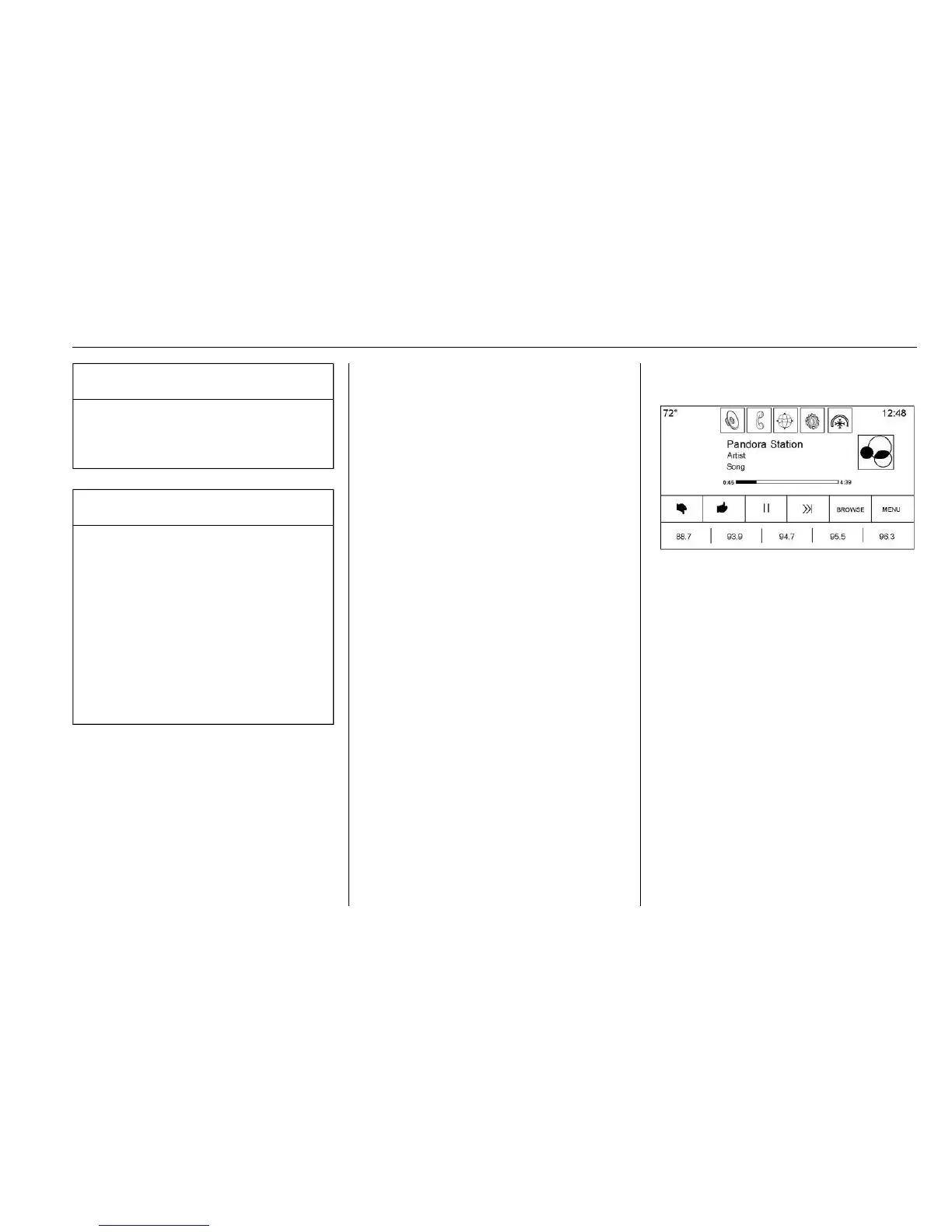
Pandora Internet Radio
If equipped, Pandora
®
is a free
Internet radio service that streams
personalized radio stations based
on artists, tracks, genres, and
comedians. Create stations using
the Pandora website or Smartphone
application, then use
- (thumbs up)
or
, (thumbs down) to personalize
stations. To set up an account, or for
more information, go to
www.pandora.com.
A phone or tablet with an Internet
connection and the Pandora
application installed is required.
When no internet connection or no
bluetooth signal is detected the
interaction Selector button will be
grayed out. If one of these buttons
are touched, a pop-up displays,
“Action unavailable. Please check
device connection.” Personal cell
phone data plans are used. Make
sure the latest version is installed
on the device.
Launching Pandora
Connect the iPhone to the USB
port, or connect Android™ or
BlackBerry
®
through Bluetooth. See
Auxiliary Jack 0 31 or Bluetooth
(Overview) 0 93 or Bluetooth
(Infotainment Controls) 0 94
or Bluetooth (Voice Recognition)
0 97. For first time use, set up the
stations before connecting to the
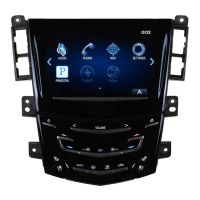
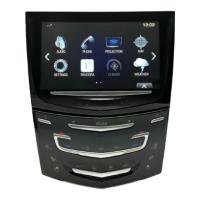
vehicle. The Pandora icon will be
available on the Home Page.
When Pandora is chosen, the
Pandora logo will populate on the
screen and will display “Acquiring
Pandora Radio Station.” Launch
times can be significant.





 To Next Page